Teach Me
How to Use Interactive Step Guidance
Written By:
Overview
Teach Me guides display clickable overlays that direct users through the process step-by-step. Each prompt highlights the exact element users need to interact with.
Steps
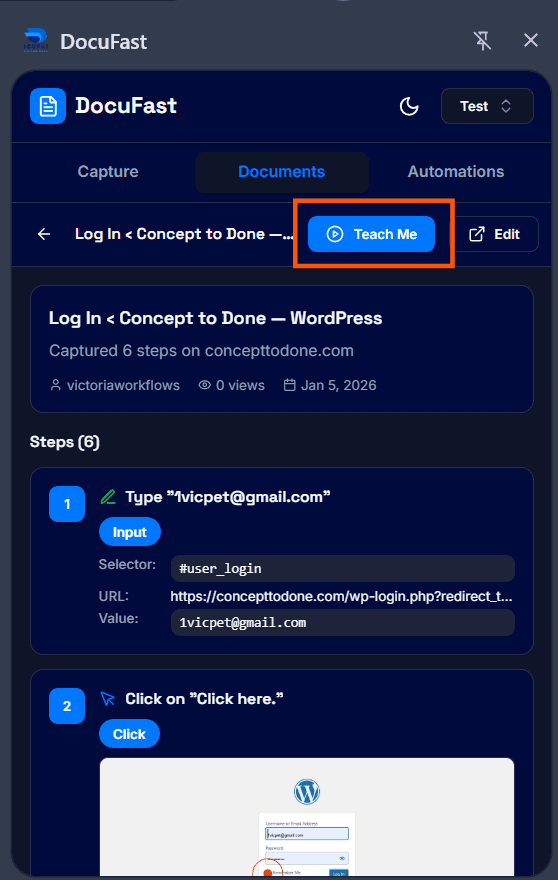
Step 1: Start the Guide
Open the Teach Me session for a selected workflow.
Step 2: Follow Highlighted Elements
Click on highlighted fields or buttons as guided.

Step 3: Read Instructions
Each prompt includes detailed instructions or notes.

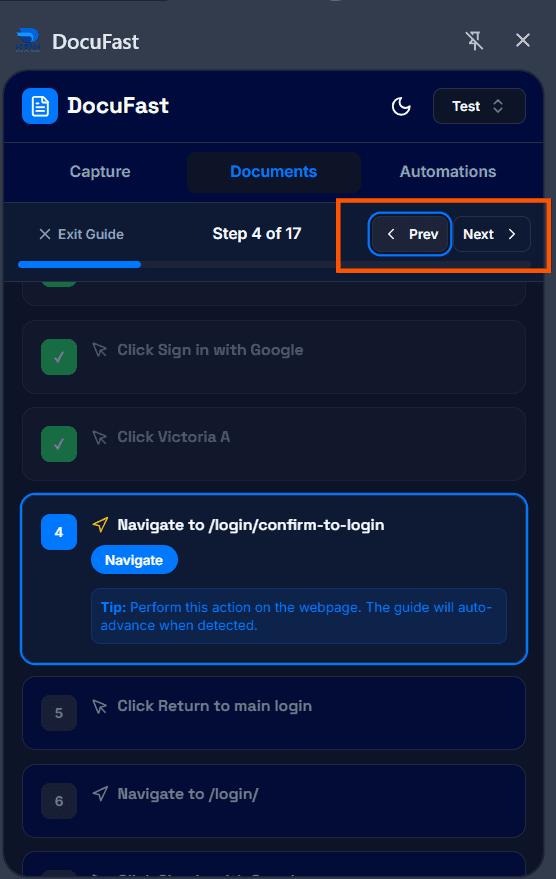
Step 4: Proceed to Next Step or Back to Previous Step
Click the Next button to proceed to the next step or Prev button if you need to go back to the previous step.
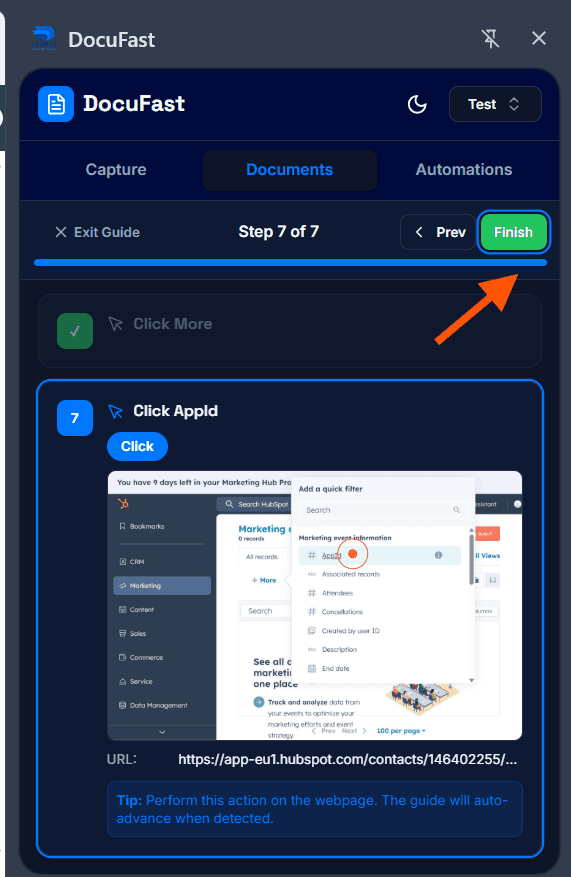
Step 5: Complete the Flow
Once all steps are completed, click Finish to end guide mode.
Tips for Best Results
Use full-screen mode for better visibility.
Read prompts carefully before proceeding.
