Teach Me
How to Edit or Update a Teach Me Guide
Written By:
Overview
Teach Me guides can be updated if the underlying process changes or new steps are added.
Steps
Step 1: Open Guide in Edit Mode
Click the 'Edit' option for the selected guide.

Step 2: Modify Steps
Add, remove, or rearrange the interactive steps.
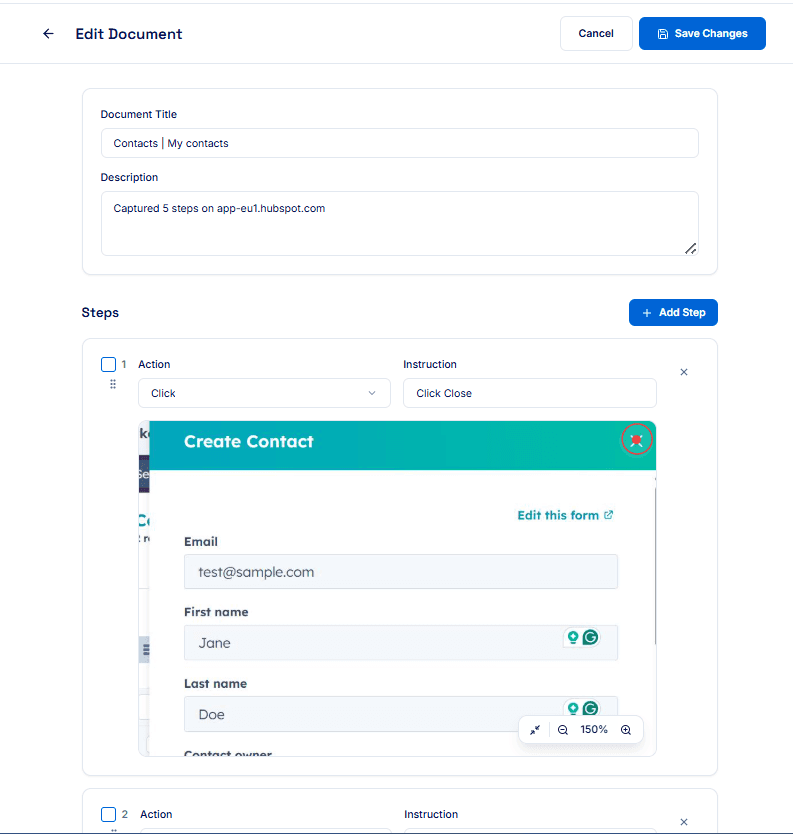
Step 3: Update Actions and Instructions
Edit text for each step to reflect current process details.
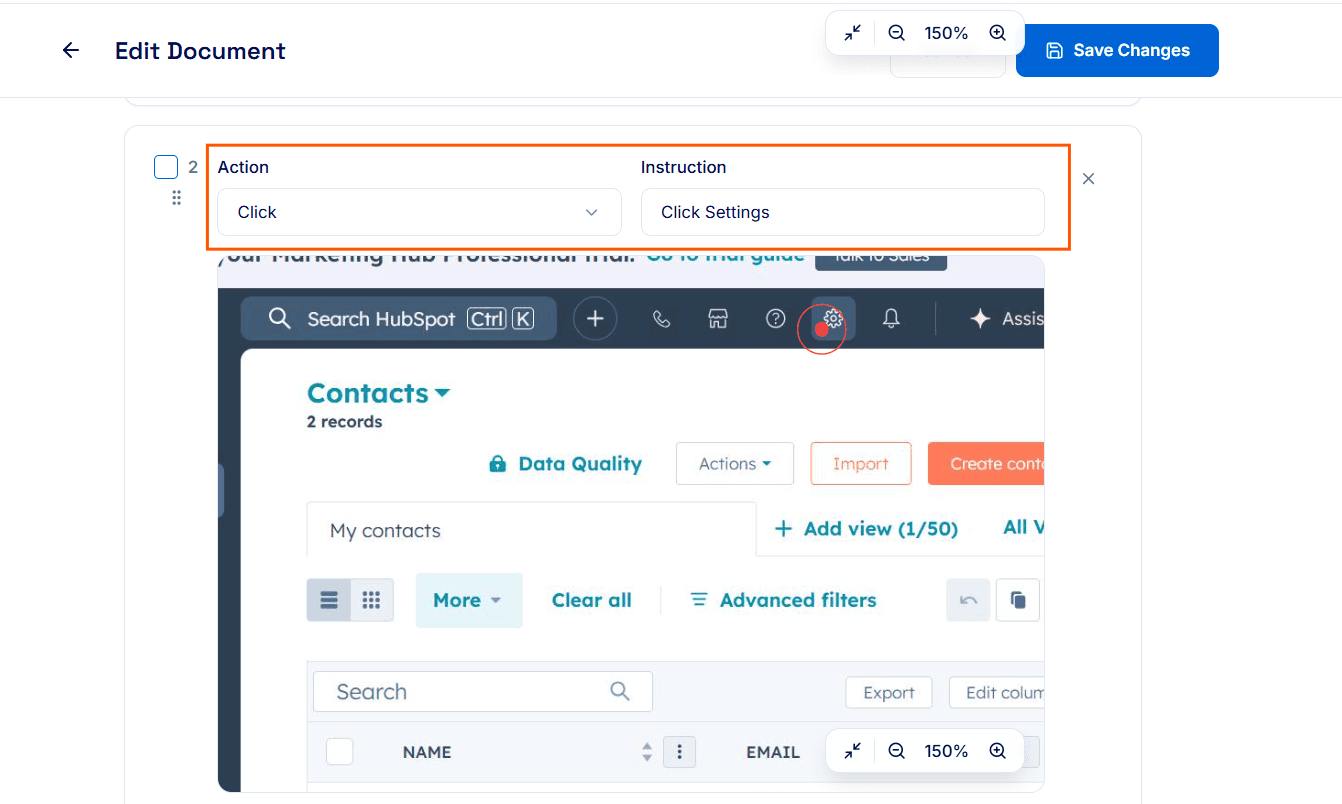
Step 4: Save Changes
Click Save Changes to update the guide.

Tips for Best Results
Always review new steps for accuracy.
Use clear language in your instructions.
