Teach Me
How to Record a Teach Me Guide
Written By:
Overview
Recording a Teach Me guide in DocuFast is simple and works the same way as using Capture. Follow these steps to create clear, interactive guides for your team.
Steps
Step 1: Open DocuFast Extension
Click on the DocuFast extension in your browser.

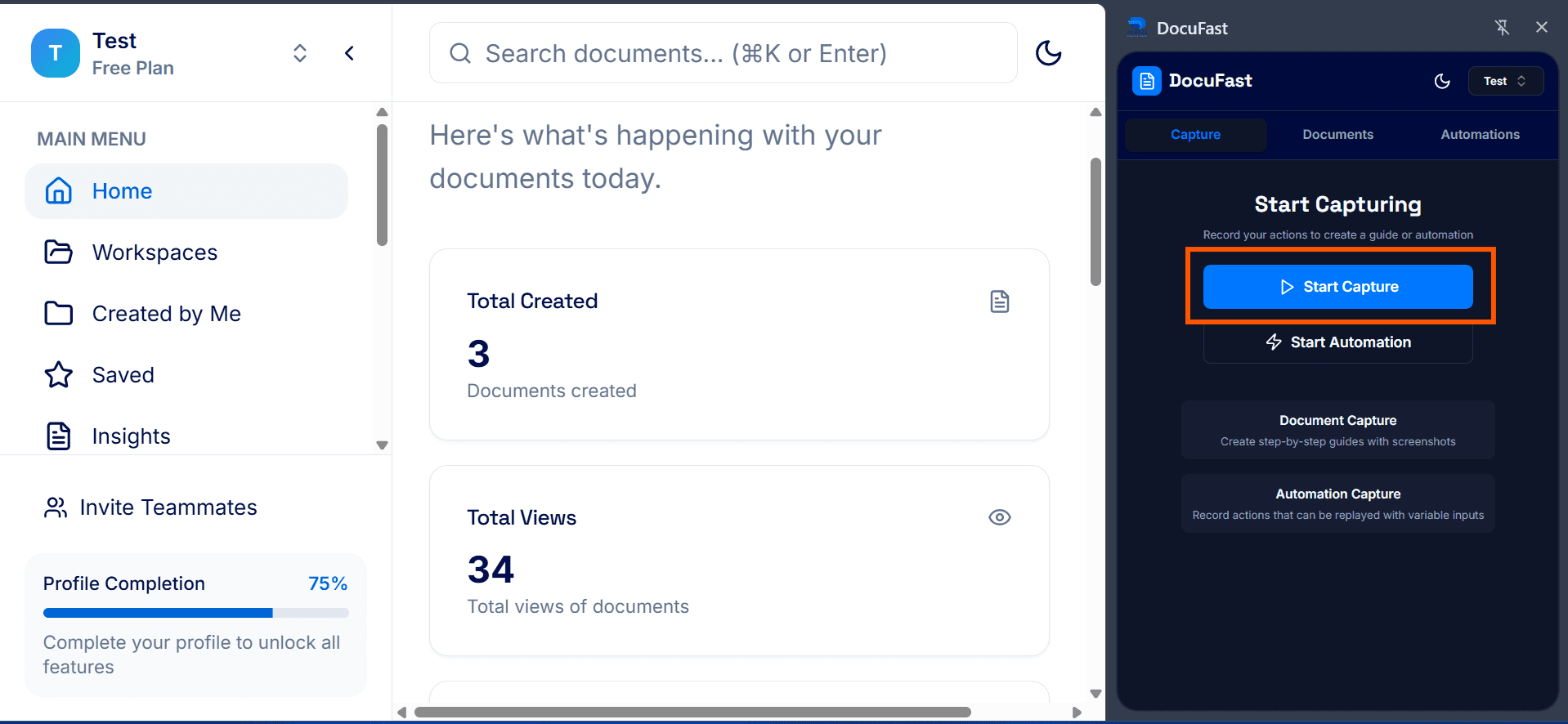
Step 2: Start Capture
Begin recording your workflow. You can pause, resume, or discard at any time if needed.
Step 3: Complete Capture
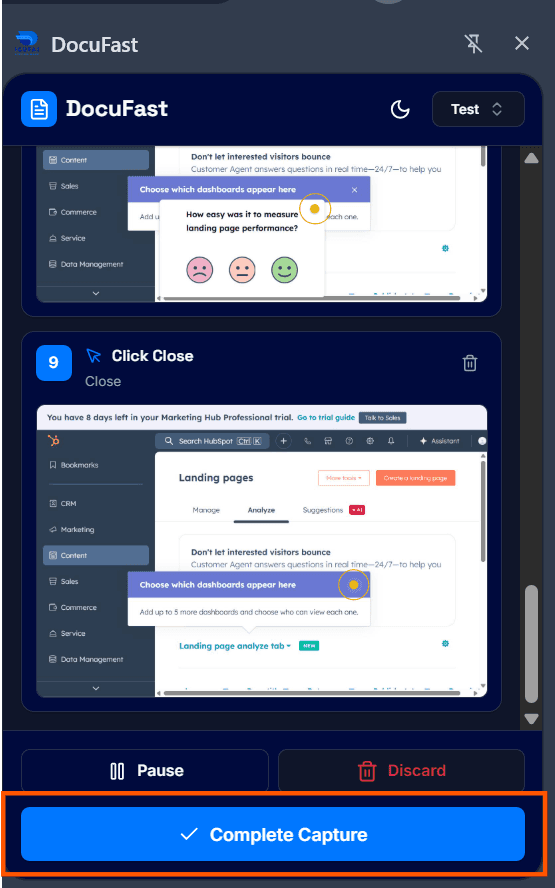
When you’ve finished recording all steps, click Complete Capture.
Step 4: Review Captured Workflow
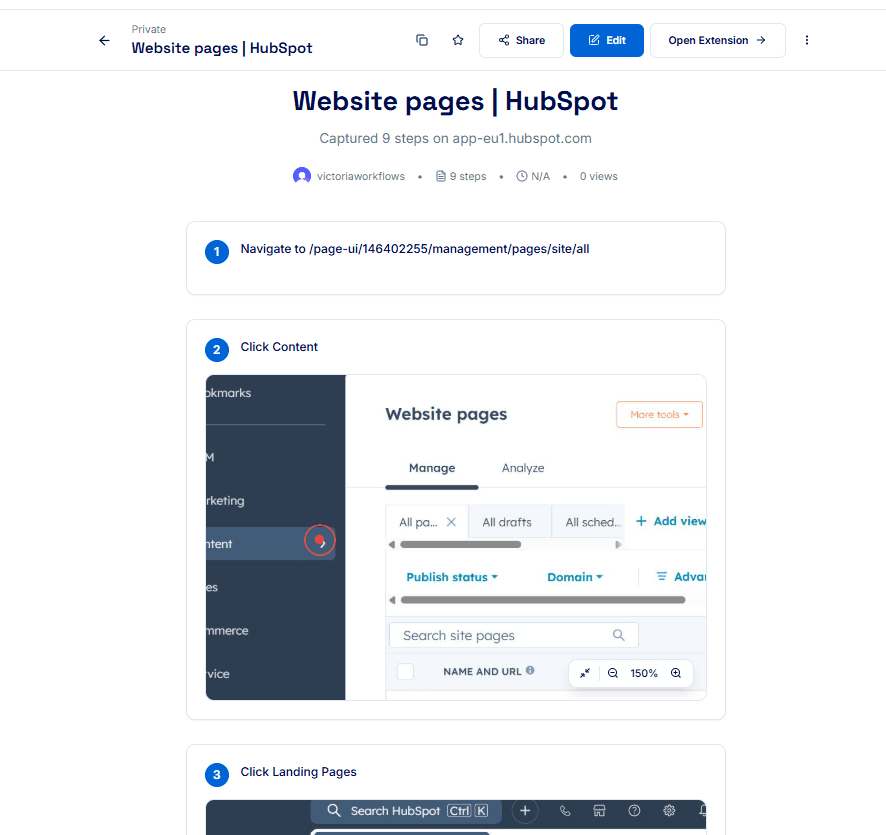
Review your recording to ensure everything is clear and complete. Check that your instructions match the actions on the screenshot.
Step 5: View in Teach Me Mode
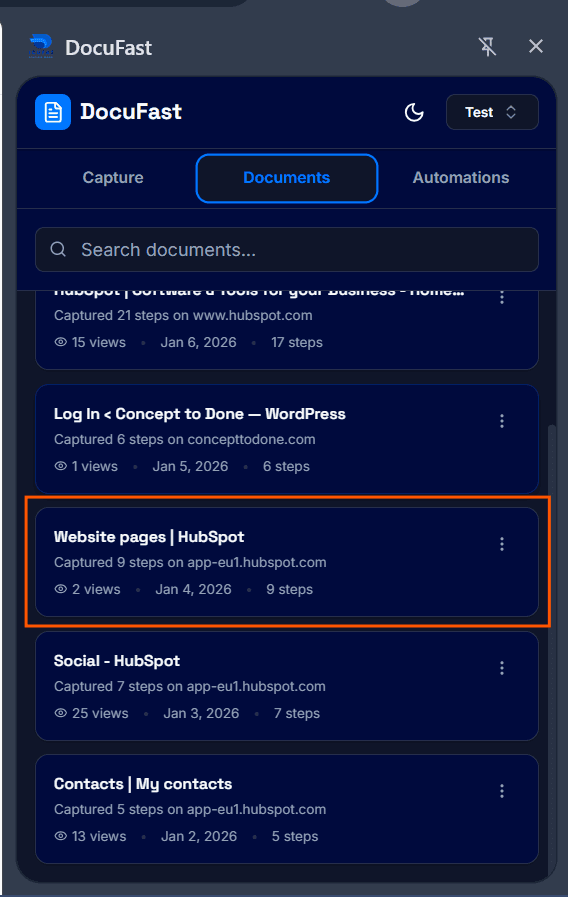
In the side panel, go to the Documents tab. Open the document you just recorded. Click Teach Me to view your guide in interactive mode.
Related to Teach Me
