Teach Me
How to Use Teach Me for Process Training
Written By:
Overview
Teach Me enables teams to capture and standardize processes as interactive, step-by-step guides. For process training, this means employees can learn workflows exactly as they are performed—reducing guesswork, improving consistency, and accelerating onboarding and skill development.
Instead of relying on static documents or live walkthroughs, Teach Me transforms real actions into repeatable training resources that can be accessed anytime.
Common Process Training Scenarios
Teach Me is well-suited for training on processes such as:
Employee onboarding workflows
Software or tool usage procedures
Customer support and escalation steps
Steps
Step 1: Identify the Process to Train
Choose a process that is:
Repeated frequently
Prone to mistakes
Critical to daily operations
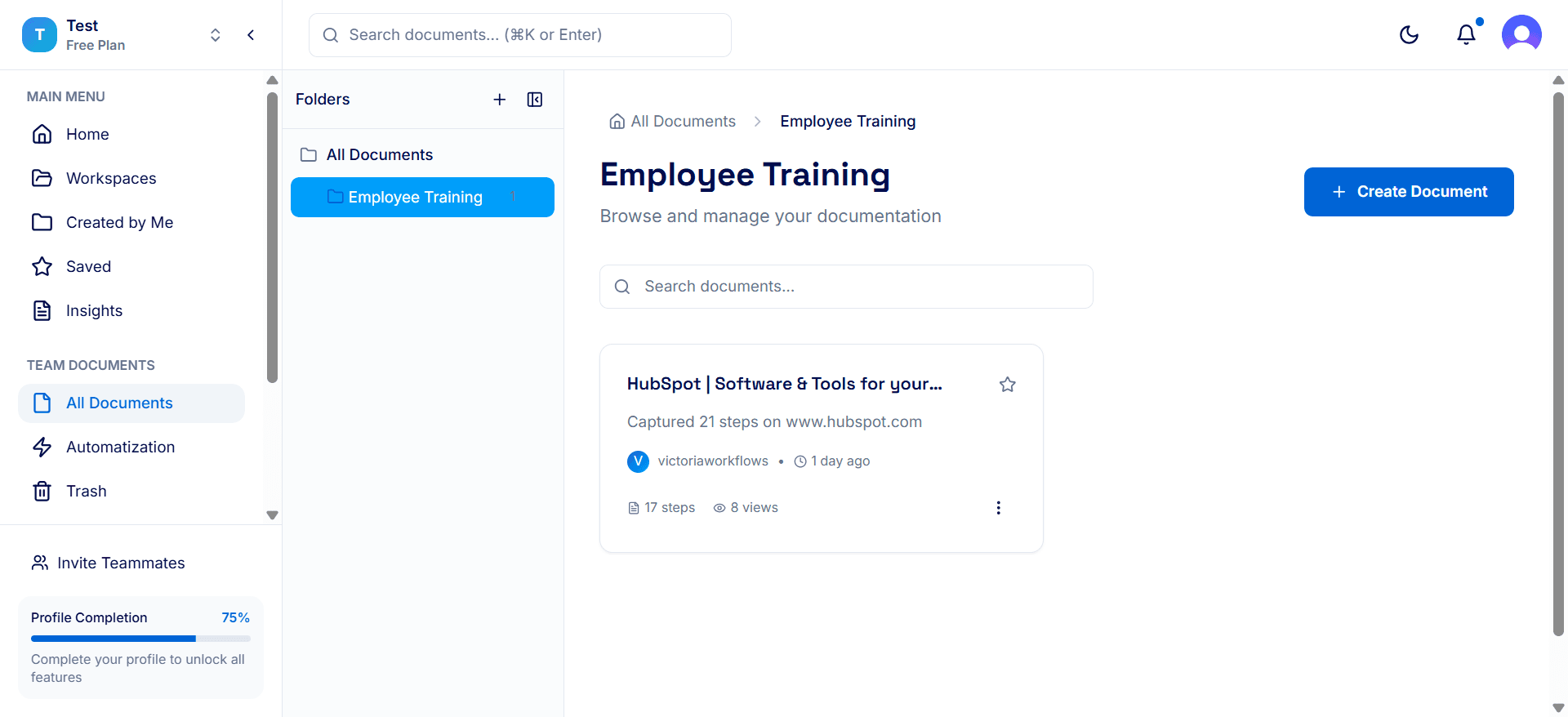
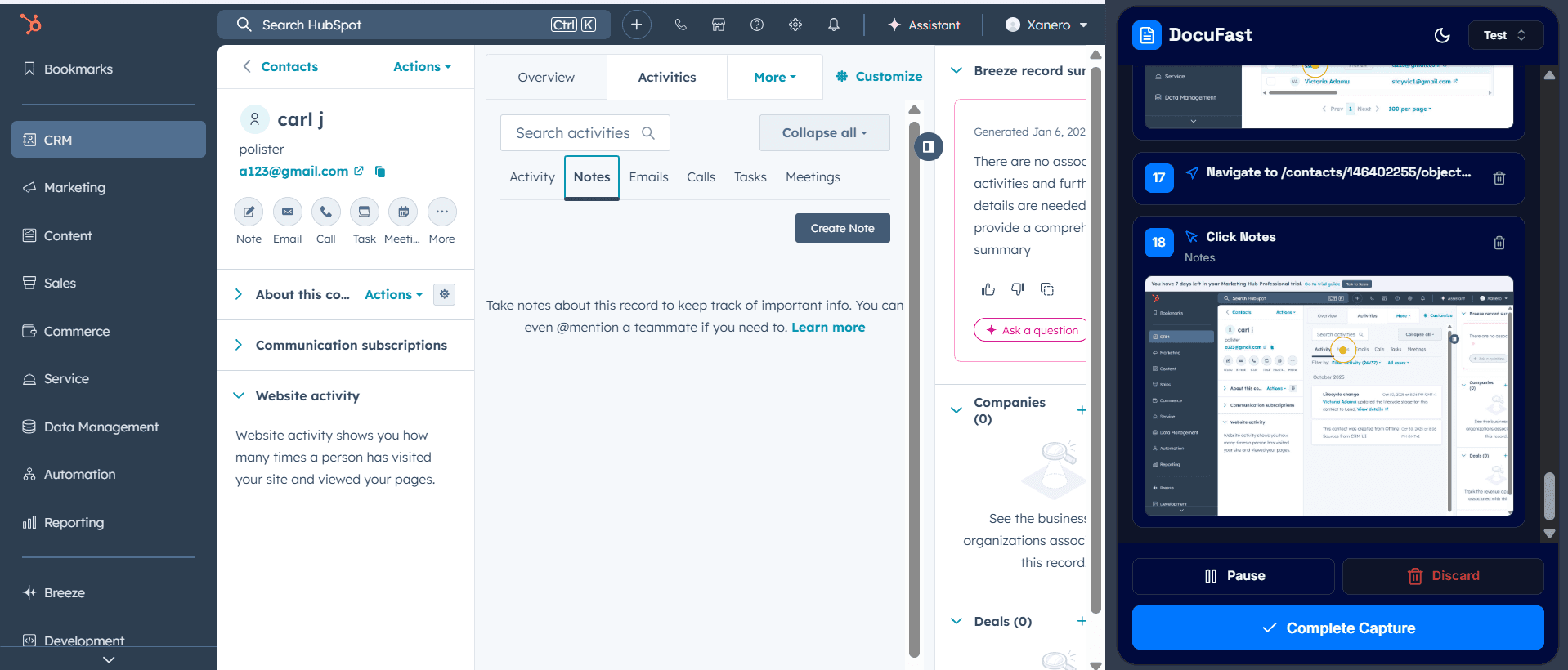
Step 2: Record the Process with Capture
Use Capture to record the process as it is actually performed. This ensures:
Steps reflect real usage
No critical actions are missed
Training content matches real-world execution
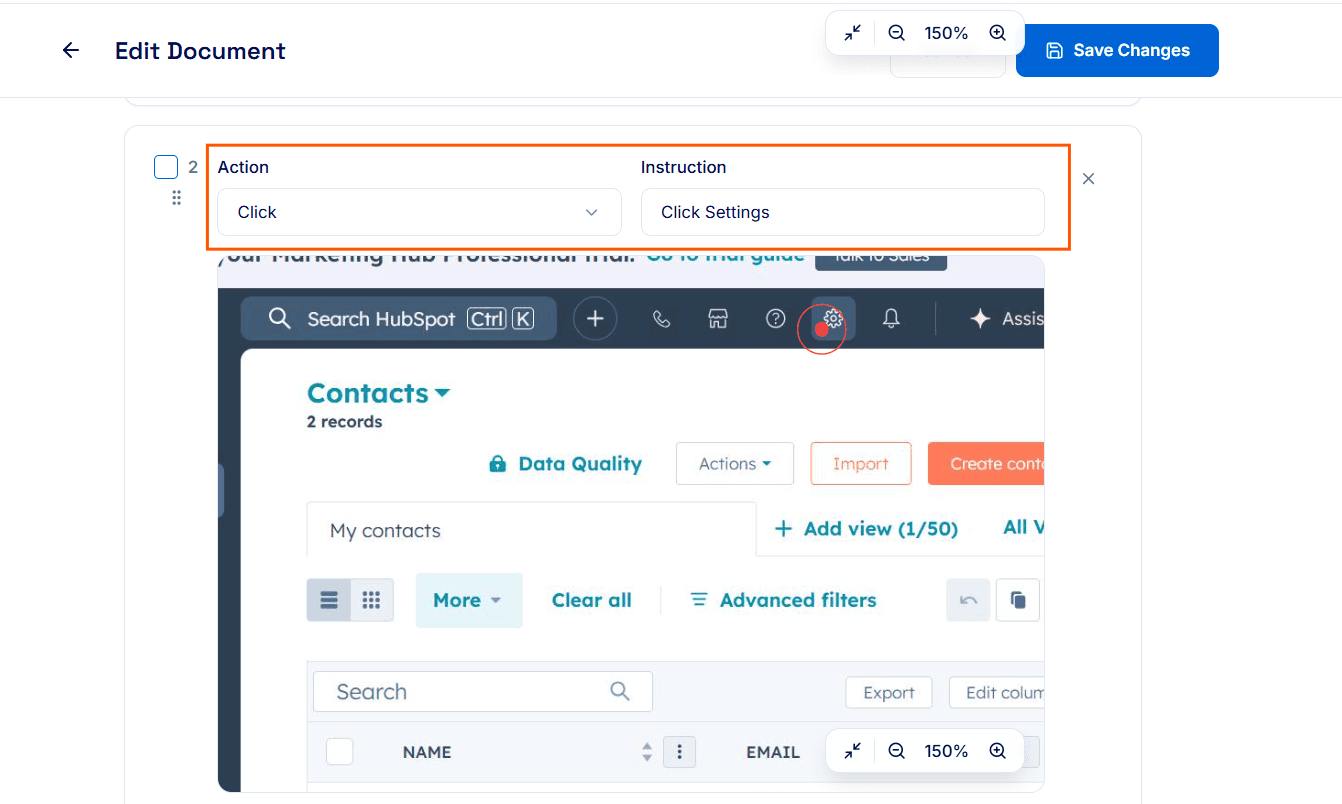
Step 3: Review and Refine the Steps
After recording, review each step for clarity
Remove unnecessary or duplicate steps
Step 4: Share the Interactive Guide with Trainees
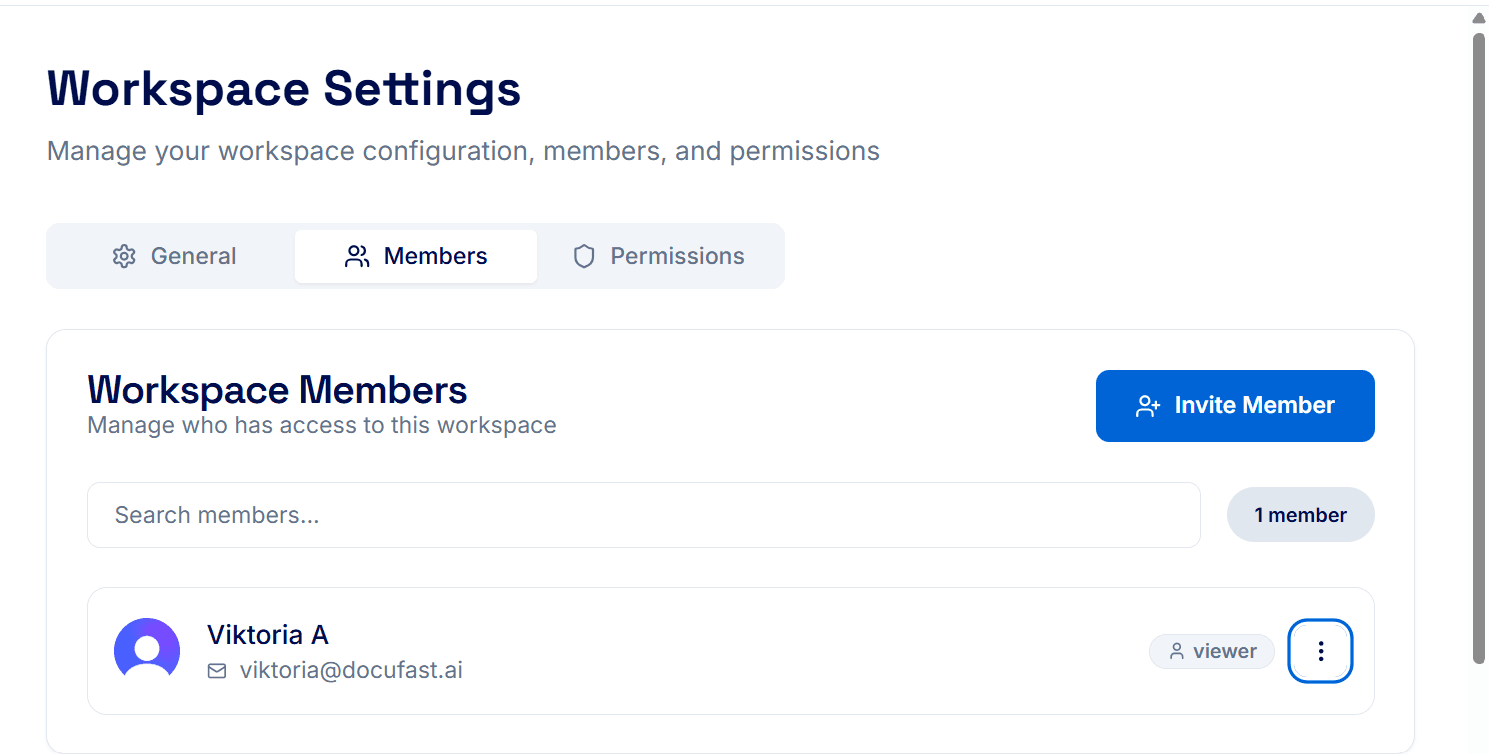
To give trainees access to Teach Me, add them to your workspace. Once added, they can view and follow the interactive guide directly within Teach Me.