Workspaces
Capture knowledge once. Share it on your terms.
Capture knowledge once. Share it on your terms.
Create multiple workspaces for different teams and departments. Assign roles, control who can create, edit, or view — and make sure the right knowledge reaches the right people, every time.
Create multiple workspaces for different teams and departments. Assign roles, control who can create, edit, or view — and make sure the right knowledge reaches the right people, every time.
No credit card required · Works on any website or app
Create Your Workspaces
Set up dedicated workspaces for each team or department — Customer Success, Sales, HR, IT. Every team gets their own space with their own content and permissions.
Assign Roles & Access
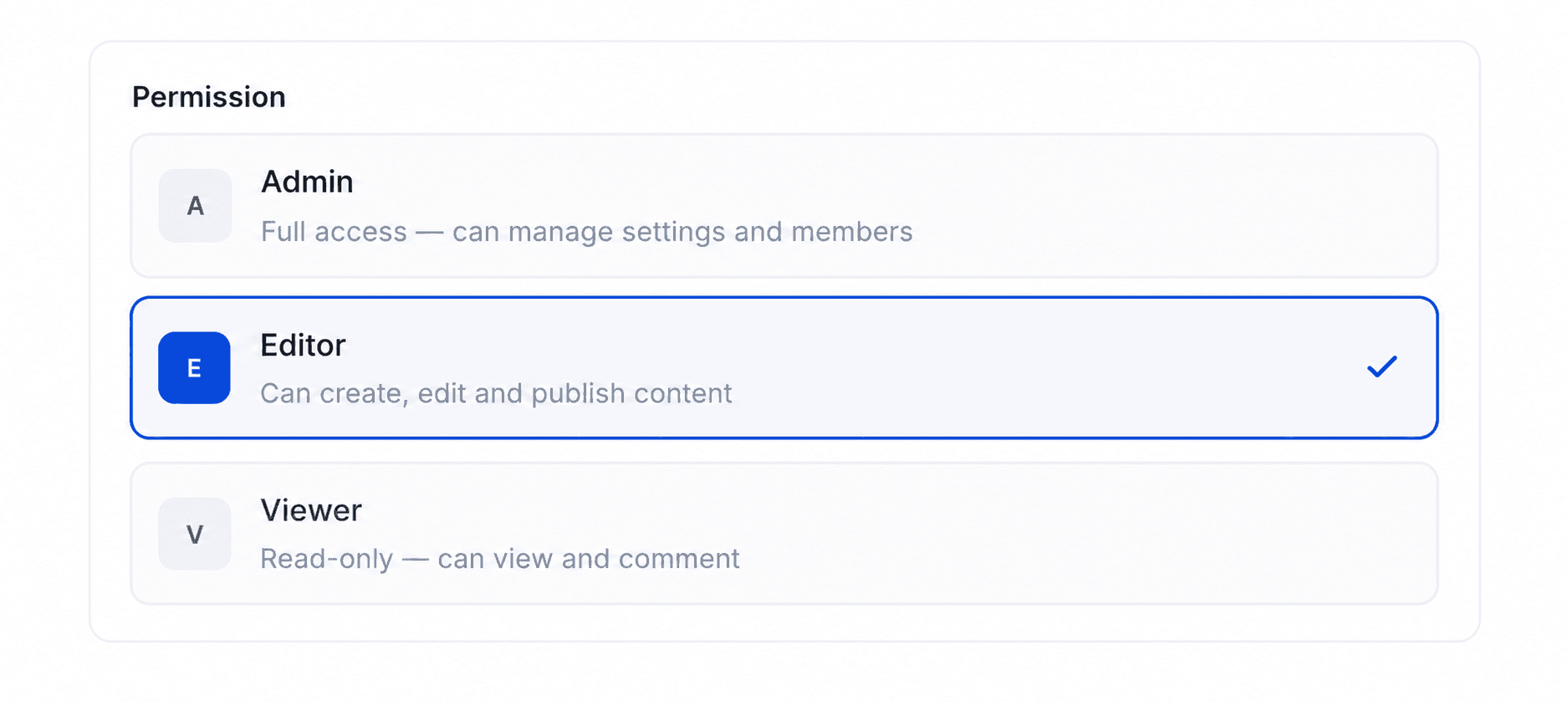
Give every team member exactly the right level of access. Admins manage, Editors create, Viewers consume — per workspace, not just per account.
Capture & Share Knowledge
Every guide, video, and Teach Me walkthrough is documented once and accessible to everyone with the right permissions — forever organized, always up to date.
Workspace Features
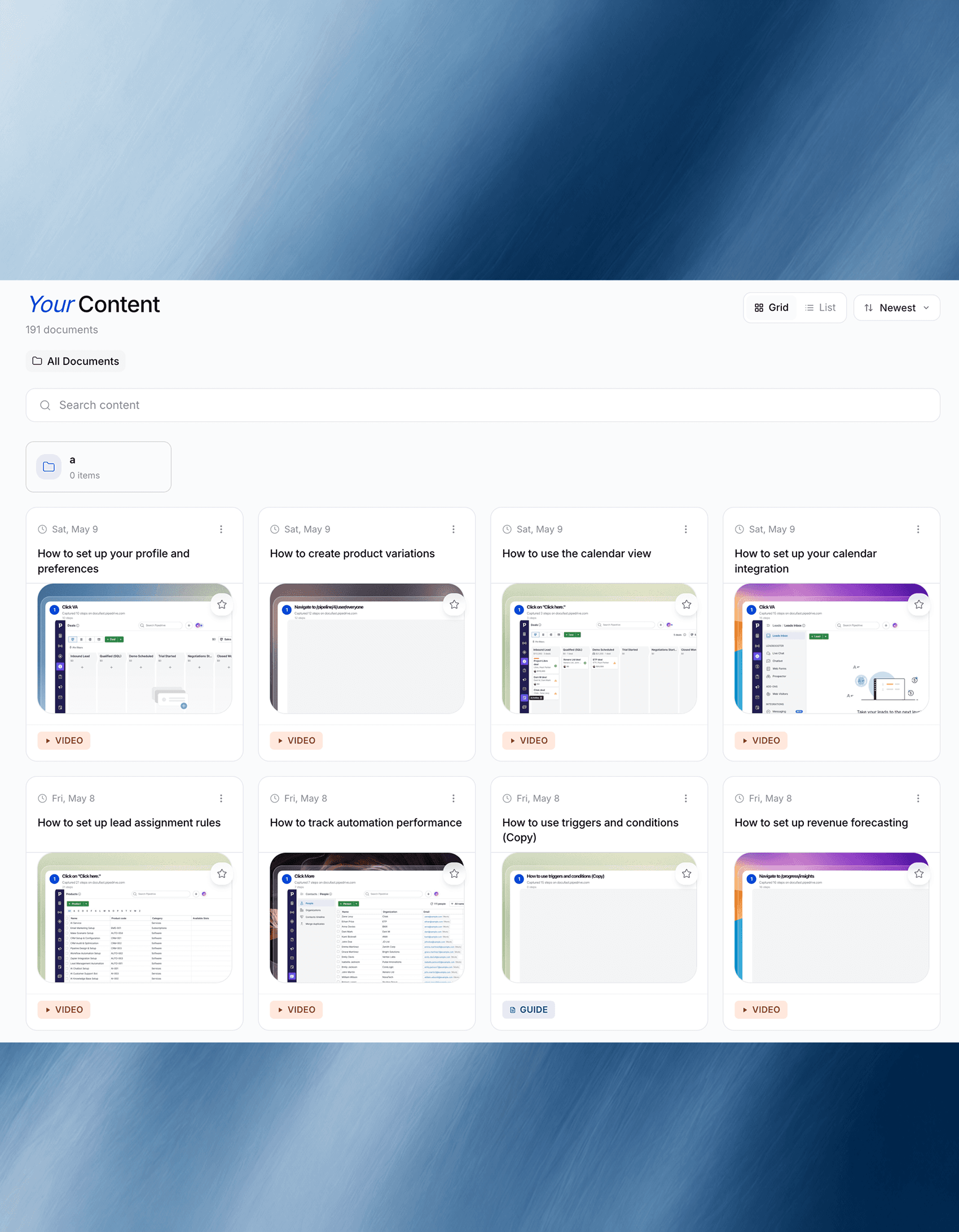
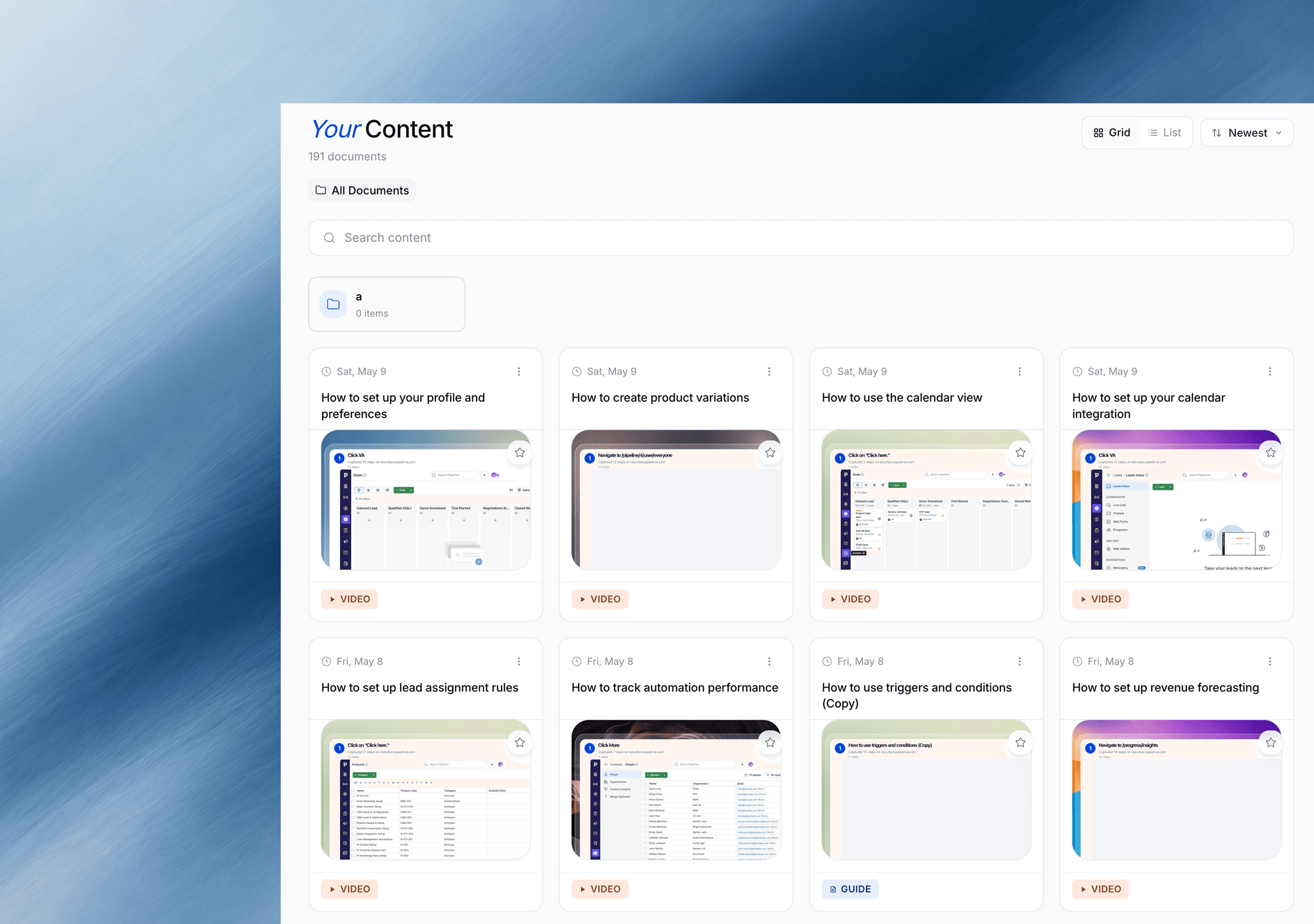
Everything Your Team Creates. Organized In One Place.
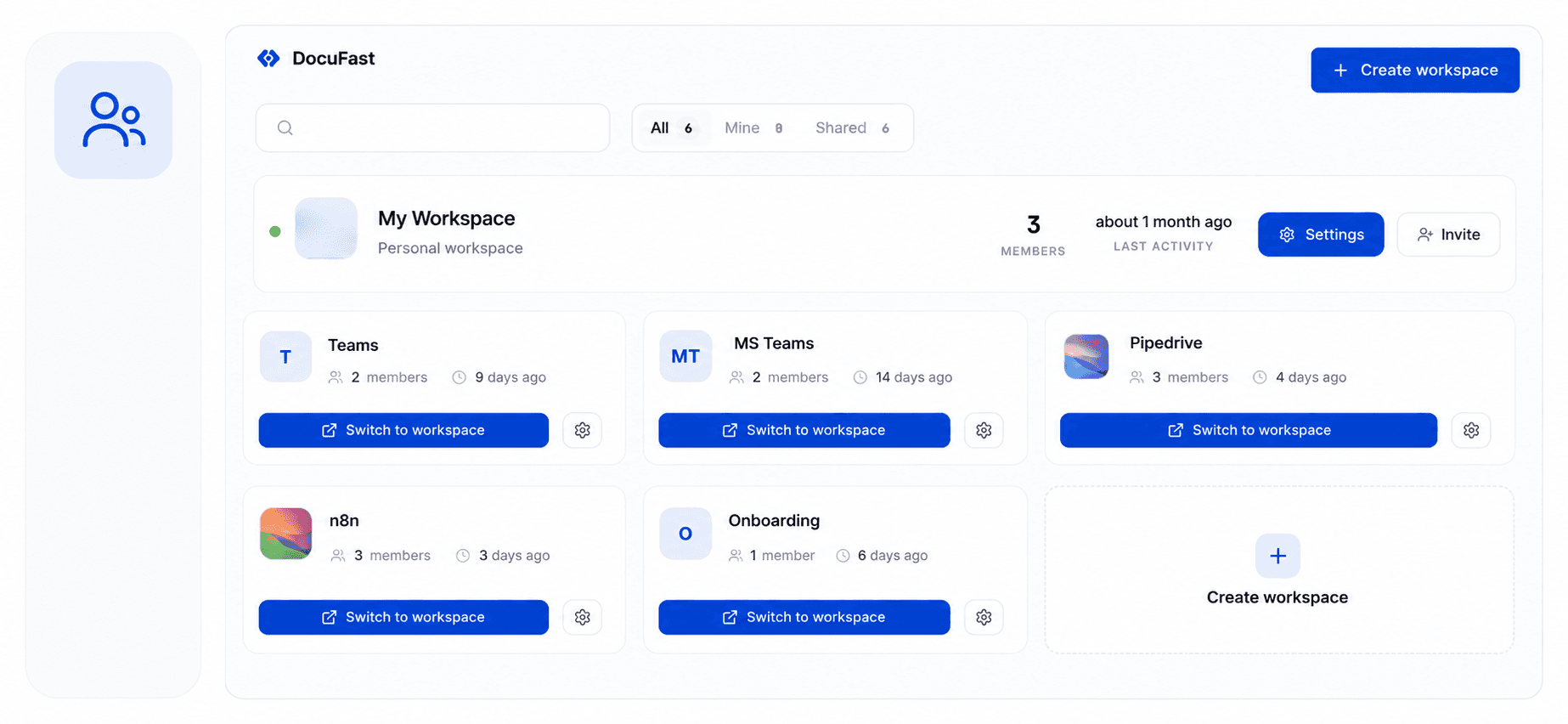
Multiple Workspacess
One workspace per team. Full control for every department.
Roles & Permissions
The right access for every person
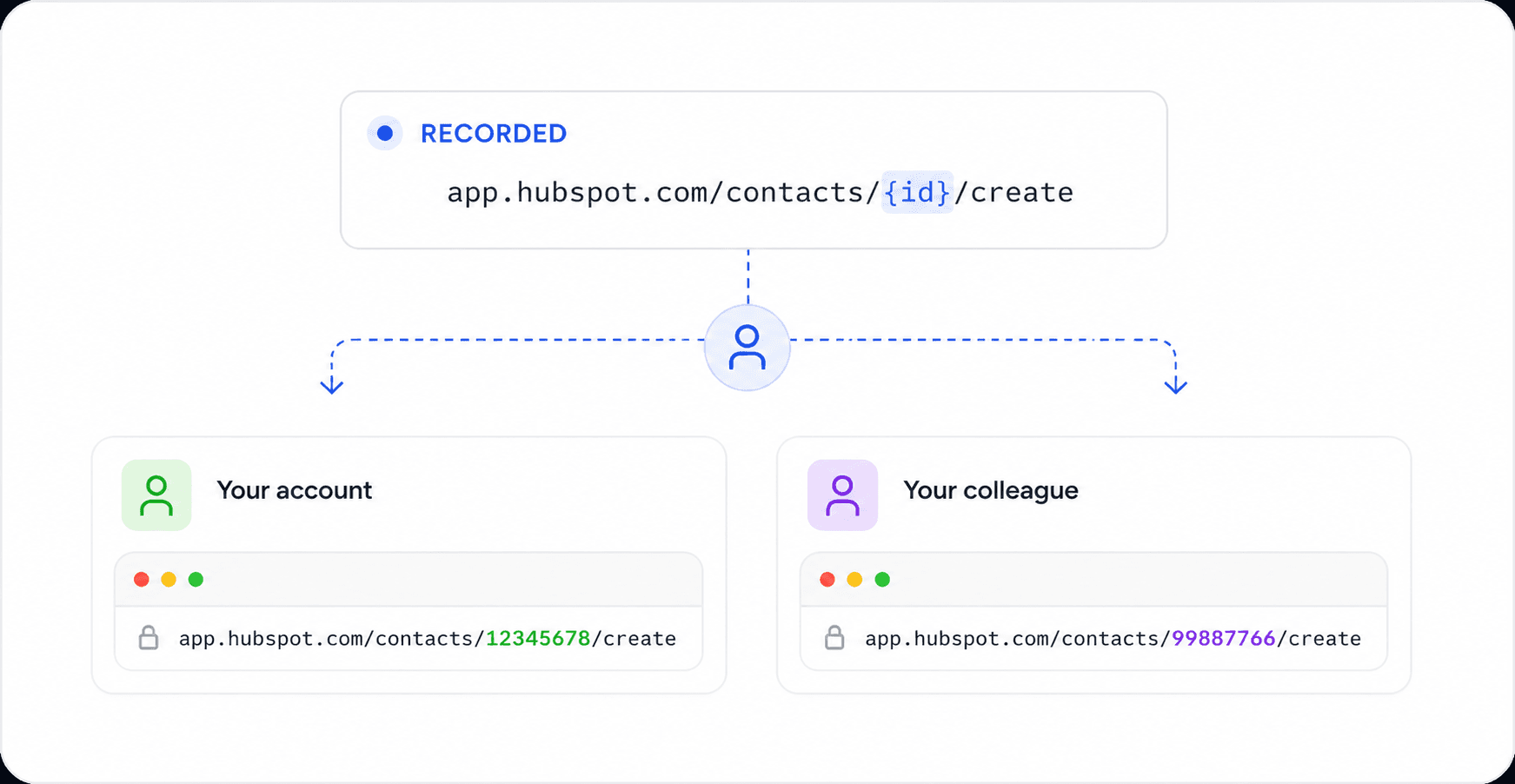
Dynamic URLs
Record once. Run in any account.
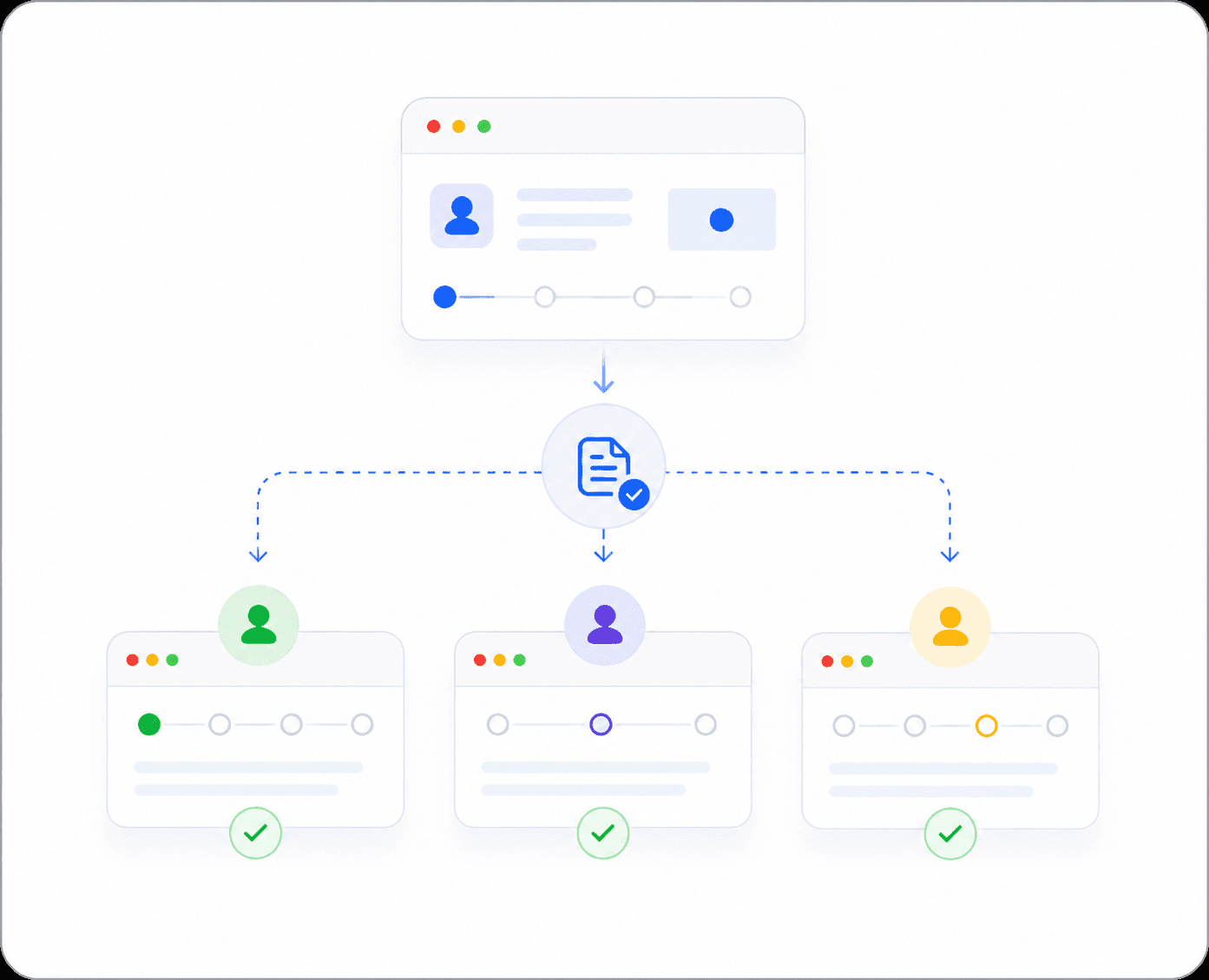
Run Any Process
PersonaOne person documents it. The whole team can run it.lized guide links for every customer.
Share & Embed Everywhere
Share privately with your team — or make it public for anyone.
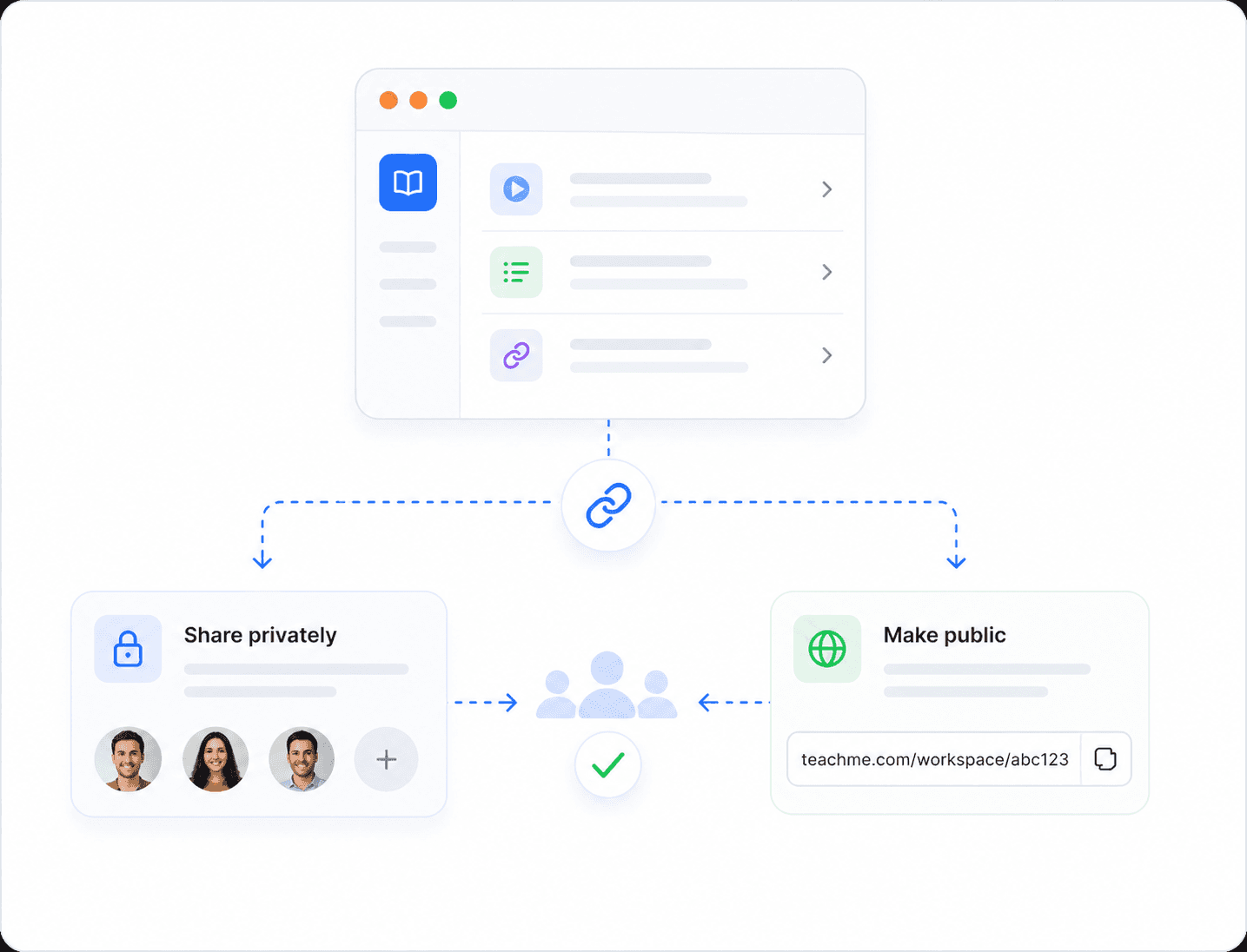
Share & Embed Everywhere
Publish your guide to any platform your team already uses — no extra setup required.
N
Notion
Paste as inline page
C
Confluence
Embed in any space
S
SharePoint
Add to intranet
H
Help Center
Publish as article
S
Share Link
Direct URL sharing
Step-by-Step Guide Features
Built for real documentation
AI Descriptions
Every step gets a perfectly written description — generated in seconds, editable anytime.
✨
AI Generated
Live
"Navigate to the Settings panel by clicking the gear icon in the top-right corner of the dashboard. This will open the configuration menu where you can manage your workspace preferences."
Accurate
Context-aware
Instant
Editable
Screenshot Editor
Annotate, redact, and highlight directly in the
browser.
Export Anywhere
One click to any format your team needs.
HTML
Clean, responsive page
Embed
iFrame for any tool
Print-ready document
Word
Editable .docx file
Dynamic URLs
Personalized guide links for every customer.
docufast.ai
/guide/
acme-corp
docufast.ai
/guide/
flowbase
docufast.ai
/guide/
stackr
+ Unlimited custom slugs available on Pro
Workspaces
Collaborate with your whole team in one shared space.
JR
ML
SK
AP
+3
8 members
Onboarding Guide
12 steps
Sales Playbook
8 steps
Tech Setup
15 steps
Share & Embed Everywhere
Publish your guide to any platform your team already uses — no extra setup required.
N
Notion
Paste as inline page
C
Confluence
Embed in any space
S
SharePoint
Add to intranet
H
Help Center
Publish as article
S
Share Link
Direct URL sharing
Step-by-Step Guide Features
Built for real documentation
AI Descriptions
Every step gets a perfectly written description — generated in seconds, editable anytime.
✨
AI Generated
Live
"Navigate to the Settings panel by clicking the gear icon in the top-right corner of the dashboard. This will open the configuration menu where you can manage your workspace preferences."
Accurate
Context-aware
Instant
Editable
Screenshot Editor
Annotate, redact, and highlight directly in the
browser.
Export Anywhere
One click to any format your team needs.
HTML
Clean, responsive page
Embed
iFrame for any tool
Print-ready document
Word
Editable .docx file
Dynamic URLs
Personalized guide links for every customer.
docufast.ai
/guide/
acme-corp
docufast.ai
/guide/
flowbase
docufast.ai
/guide/
stackr
+ Unlimited custom slugs available on Pro
Workspaces
Collaborate with your whole team in one shared space.
JR
ML
SK
AP
+3
8 members
Onboarding Guide
12 steps
Sales Playbook
8 steps
Tech Setup
15 steps
Share & Embed Everywhere
Publish your guide to any platform your team already uses — no extra setup required.
N
Notion
Paste as inline page
C
Confluence
Embed in any space
S
SharePoint
Add to intranet
H
Help Center
Publish as article
S
Share Link
Direct URL sharing
Use Cases
Documentation for every team
Documentation for every team
Whether you're onboarding customers or training employees,
Docufast adapts to your workflow.
Whether you're onboarding customers or training employees, Docufast adapts to your workflow.
Customer Onboarding
Help customers succeed from day one
Internal Training
Get new hires productive in days
Software Rollout
Ship tool changes without chaos
Sales Enablement
Close deals with personalized guides
Process Documentation
Turn tribal knowledge into SOPs
Customer Success
Build a self-serve knowledge base
Customer Onboarding
Help customers succeed from day one
Internal Training
Get new hires productive in days
Software Rollout
Ship tool changes without chaos
Sales Enablement
Close deals with personalized guides
Process Documentation
Turn tribal knowledge into SOPs
Customer Success
Build a self-serve knowledge base
Customer Onboarding
Help customers succeed from day one
Internal Training
Get new hires productive in days
Software Rollout
Ship tool changes without chaos
Sales Enablement
Close deals with personalized guides
Process Documentation
Turn tribal knowledge into SOPs
Customer Success
Build a self-serve knowledge base
How It Works
From recording to published in minutes
From recording to published in minutes
1
Record your screen
Install the Docufast extension and click
Record. Walk through your process
naturally — clicks, screens, and transitions
are captured in real time.
Install the Docufast extension and click Record. Walk through your process naturally — clicks, screens, and transitions are captured in real time.
2
AI writes and annotates
Docufast AI analyzes every captured frame,
writes accurate step descriptions in plain
English, and annotates click targets
automatically.
Docufast AI analyzes every captured frame, writes accurate step descriptions in plain English, and annotates click targets automatically.
Docufast AI analyzes every captured frame, writes accurate step descriptions in plain English, and nnotates click targets automatically.
3
Share your polished guide
Edit, reorder, and export in seconds.
Publish as HTML, embed in your knowledge
base, or share a direct link — your guide is
live instantly.
Edit, reorder, and export in seconds. Publish as HTML, embed in your knowledge base, or share a direct link — your guide is live instantly.
Enterprise Security
Built for enterprise trust
Your guides, your data. Docufast meets the security standards
your compliance team requires.
End-to-end encryption
Data encrypted in transit & at rest
Privacy-first architecture
Minimal data retention by default
Secure sharing links
Control who can access your content
SSO / SAML 2.0
Works with Okta, Azure AD, Google
Data Deletion
Full erasure on request within 24h
Enterprise Security
Built for enterprise trust
Your guides, your data. Docufast meets the security standards
your compliance team requires.
End-to-end encryption
Data encrypted in transit & at rest
Privacy-first architecture
Minimal data retention by default
Secure sharing links
Control who can access your content
SSO / SAML 2.0
Works with Okta, Azure AD, Google
Enterprise Security
Built for enterprise trust
Your guides, your data. Docufast meets the security standards your compliance team requires.
End-to-end encryption
Data encrypted in transit & at rest
Privacy-first architecture
Minimal data retention by default
Secure sharing links
Control who can access your content
SSO / SAML 2.0
Works with Okta, Azure AD, Google
Stop writing docs Start recoding them
Start for free today
Join thousands of teams who use Docufast to create documentation in minutes, not hours.


© 2026 Docufast. All rights reserved.
© 2026 Docufast. All rights reserved.
© 2026 Docufast. All rights reserved.