Collaborating
How to Request Feedback from Teammates
Written By:
Overview
Requesting feedback from teammates helps ensure guides remain practical, accurate, and aligned with how work is actually done. Since teams communicate in different ways, feedback can be collected through the channels your team already uses, while DocuFast continues to serve as the single source of truth for documentation.
Why Requesting Feedback Is Important
Guides are most effective when they reflect real workflows and everyday use. Teammates who interact with these processes regularly can provide valuable insights into missing steps, unclear instructions, or areas that need improvement.
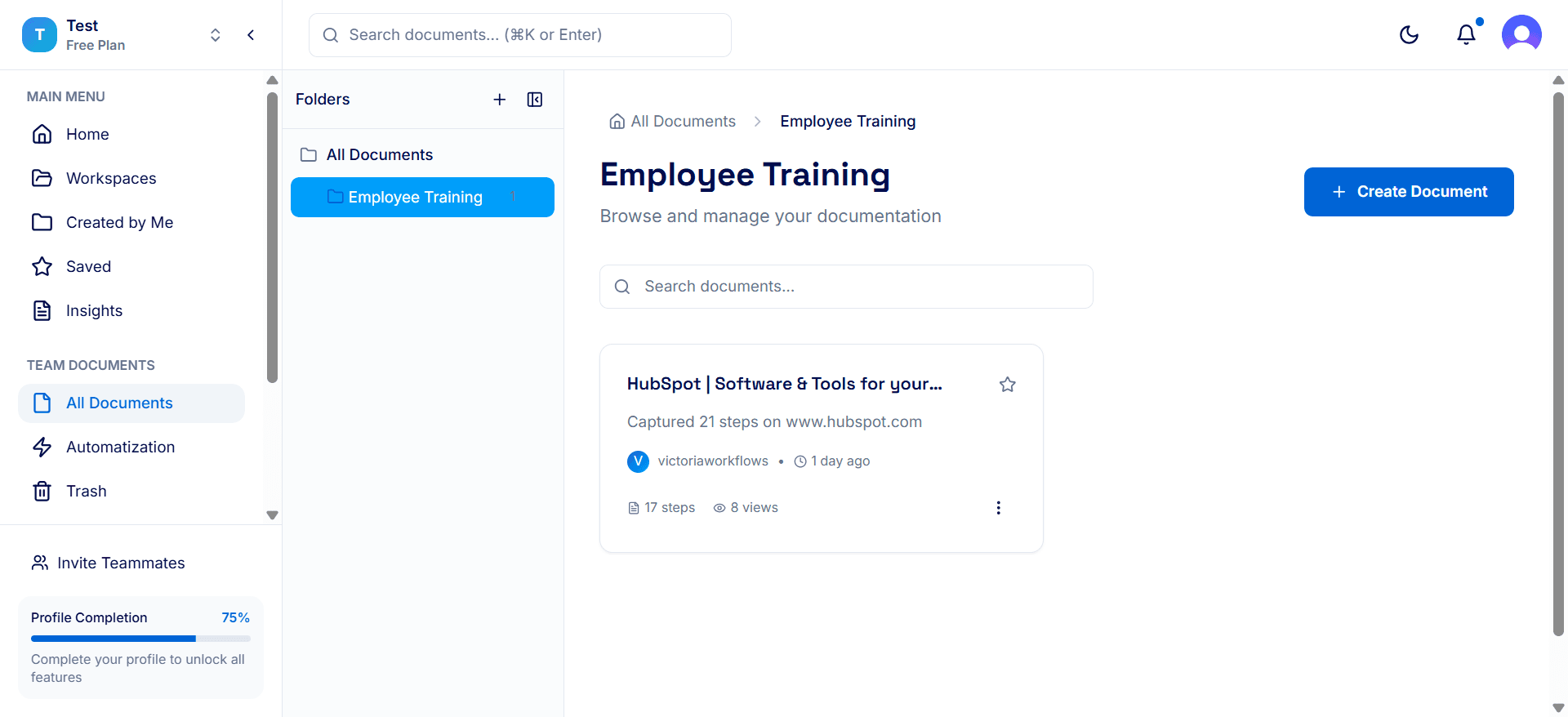
How to Request Feedback
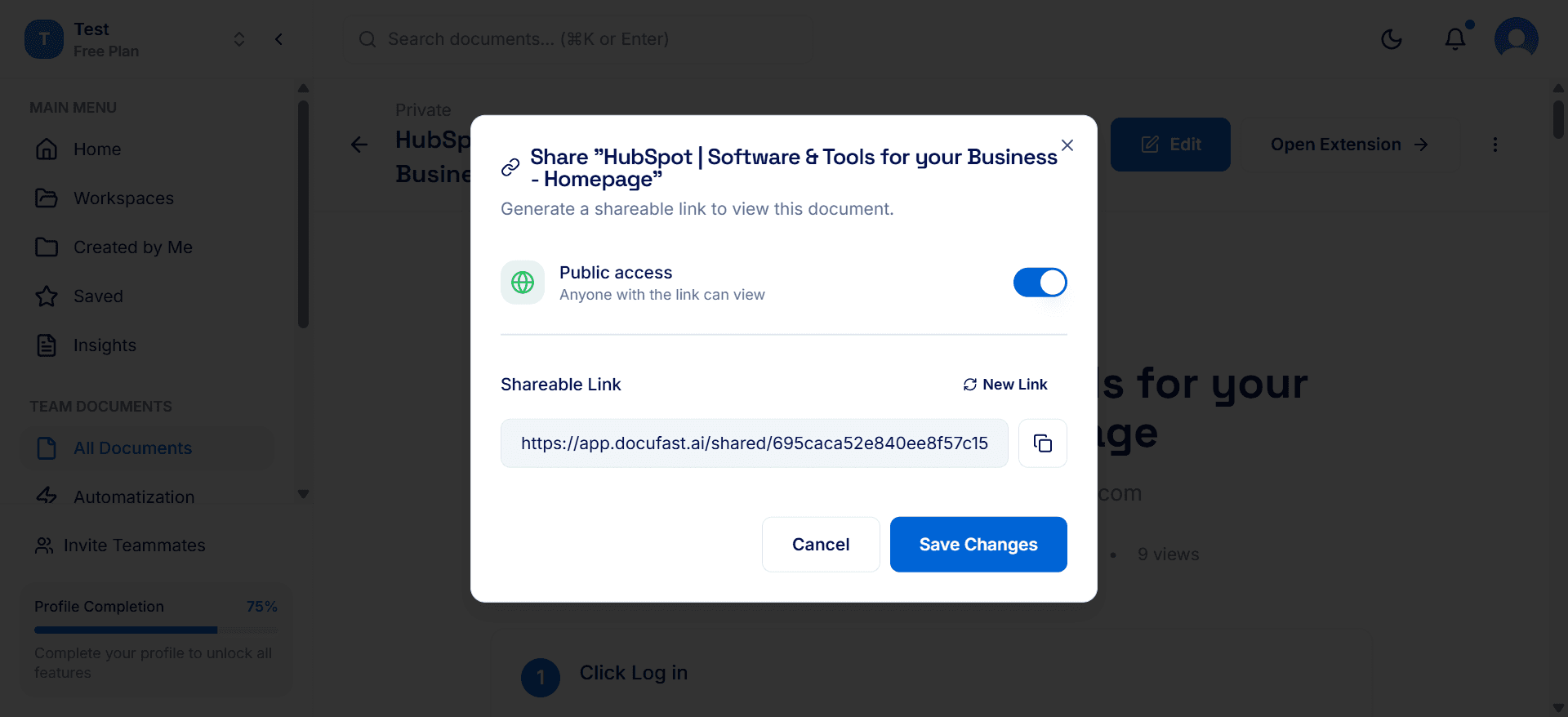
While DocuFast centralizes documentation, feedback can be collected through channels your team already uses. Simply copy the shareable link to the guide and send it through:
Email
Team chat tools (Slack, Teams, etc.)
Project management systems or CRMs: Tie feedback to tasks or tickets to maintain context.
Team meetings or quick check-ins
Creating an Ongoing Feedback Culture
Encourage teammates to share feedback whenever they notice issues or system updates.
Periodically ask for input on high-impact guides.
Treat feedback as a continuous improvement process rather than a one-time task.
