Collaborating
External Collaboration
Written By:
Overview
External collaboration allows you to work with people outside your organization—such as clients, partners, vendors, or reviewers—without losing control of your documents. Instead of sending files back and forth, DocuFast enables you to share a single document via a shareable link while maintaining ownership and version consistency.
This approach ensures external contributors always access the most up-to-date content, reducing confusion, rework, and communication gaps.
When to Use External Collaboration
External collaboration is ideal when you need input, validation, or review from individuals who are not part of your internal team but still play a role in the document’s lifecycle.
Common scenarios include:
Client reviews and approvals
Vendor or partner documentation
Legal or compliance validation
External audits or assessments
How External Collaboration Works in DocuFast
External collaborators interact with the document based on the access level you define, ensuring they can review content without unintentionally altering critical steps.
Rather than creating separate copies or exporting files, all collaboration happens within the same shared document, to keep feedback centralized and ensure the internal team remains aligned with external input.
Steps
Step 1: Prepare the Document
Ensure the document is complete enough for external collaboration. Confirm that:
Sensitive or internal-only information is redacted
The document reflects the version you want reviewed or used
Step 2: Define the Collaboration Goal
Before sharing the document, clearly determine whether the external stakeholder is expected to:
Review content
Validate information
Provide approval
Use the document for reference only
Step 3: Share the Document Securely
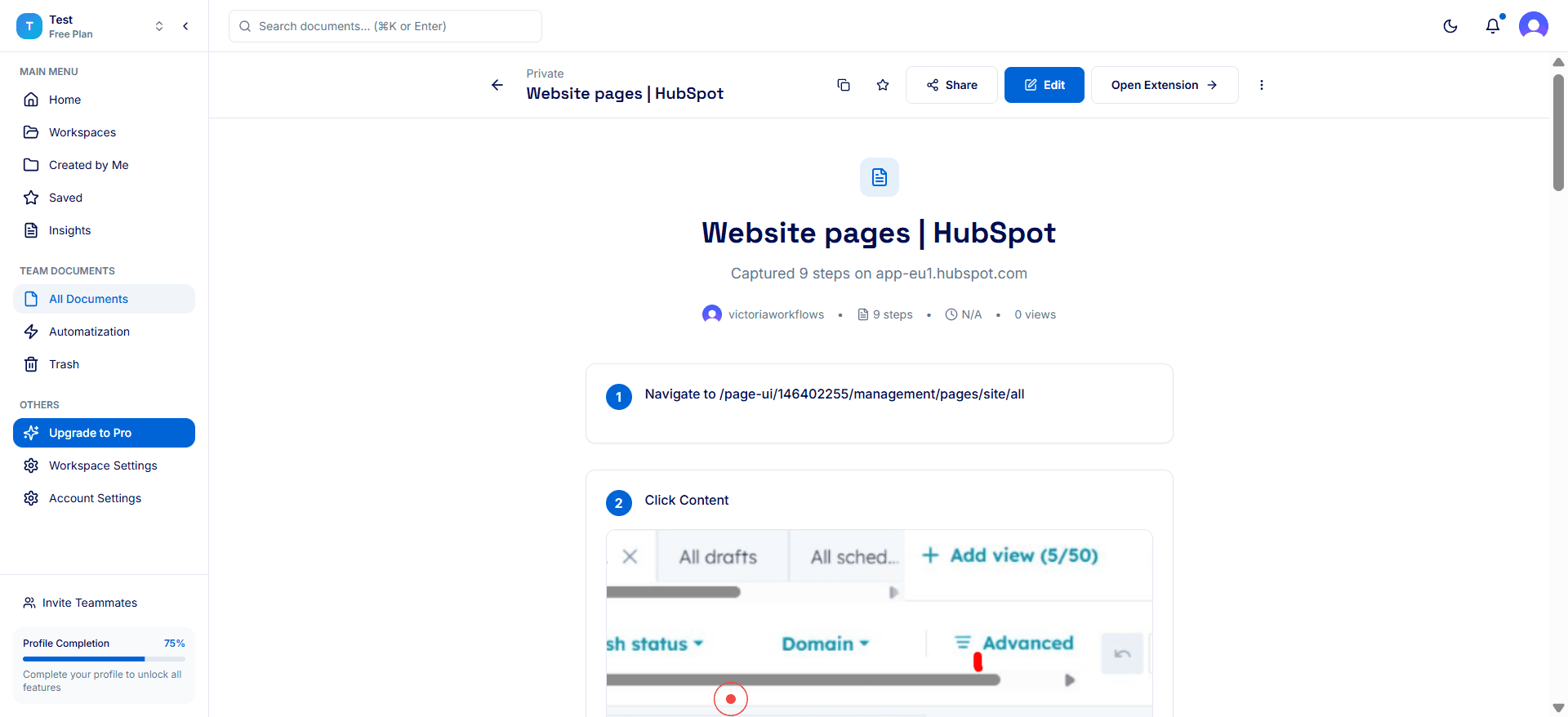
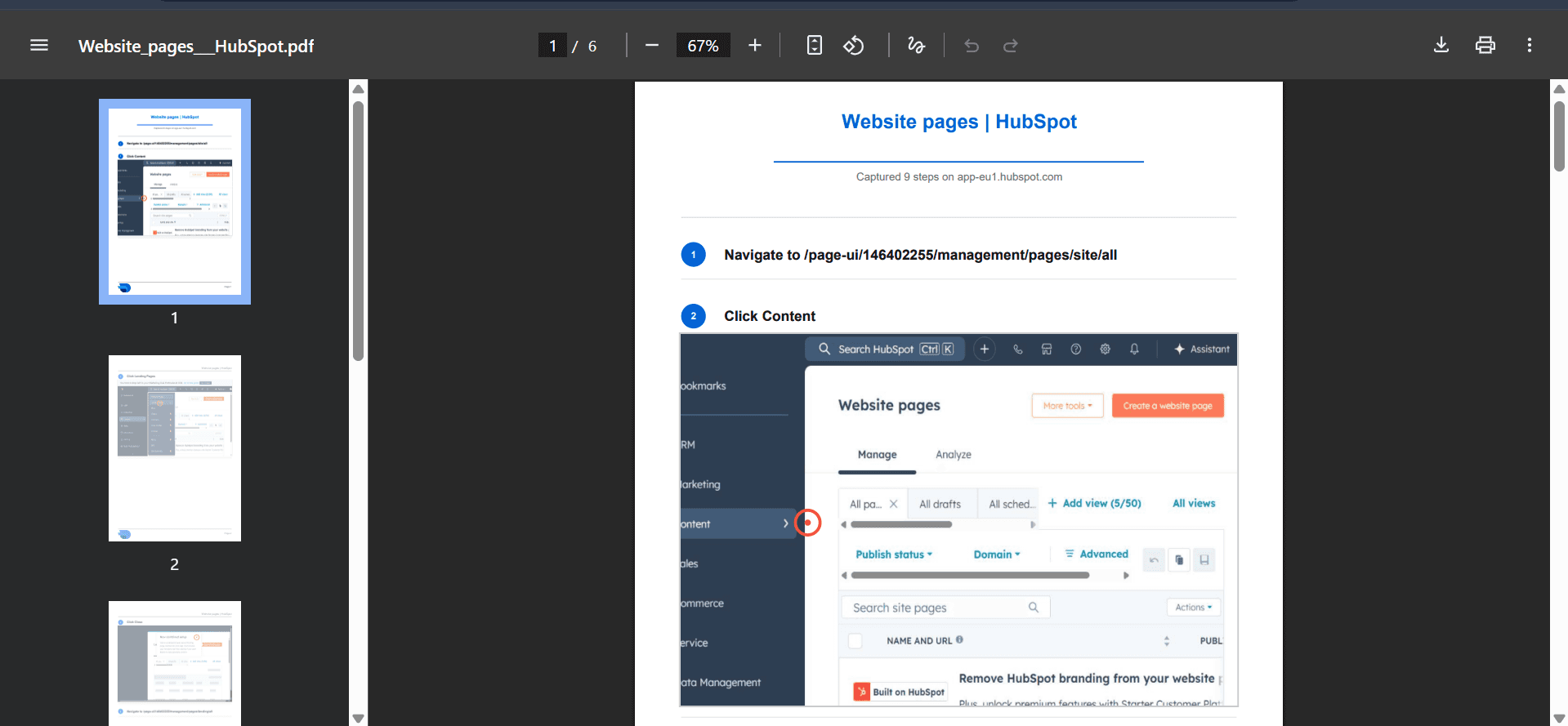
Share the document using DocuFast’s sharing options. Give external stakeholders Viewer access to ensure they can review the content without affecting the core document. You can share the document by:
Sending a shareable link with public access
Or exporting a PDF version
Step 4: Coordinate Feedback Internally
Route external input through the internal document owner. The owner reviews feedback, applies necessary updates, and ensures changes align with internal standards and objectives.
Step 5: Review and Finalize
Once external feedback has been addressed, review the document internally to confirm accuracy and completeness.
