Collaborating
Assigning Guide Responsibility
Written By:
Overview
For documentation to remain useful, someone must be responsible for keeping each guide up to date. Assigning a guide owner ensures there is clear accountability for reviewing content, coordinating updates, and addressing feedback as processes evolve.
While guides may be created collaboratively, having one designated person responsible helps prevent outdated or conflicting information.
Why Assigning a Guide Owner Is Important
Without clear responsibility, guides can quickly become outdated or inconsistent. Assigning a guide owner helps:
Ensure guides are reviewed regularly
Provide a clear point of contact for questions or updates
Prevent duplicate or conflicting edits
Maintain consistency across documentation
Steps
Step 1: Choose a Responsible Team Member
Assign a team member to be responsible for each guide. This is often the creator of the guide or a workspace admin, depending on the workflow.
The assigned person should be familiar with the process and involved in ongoing updates.
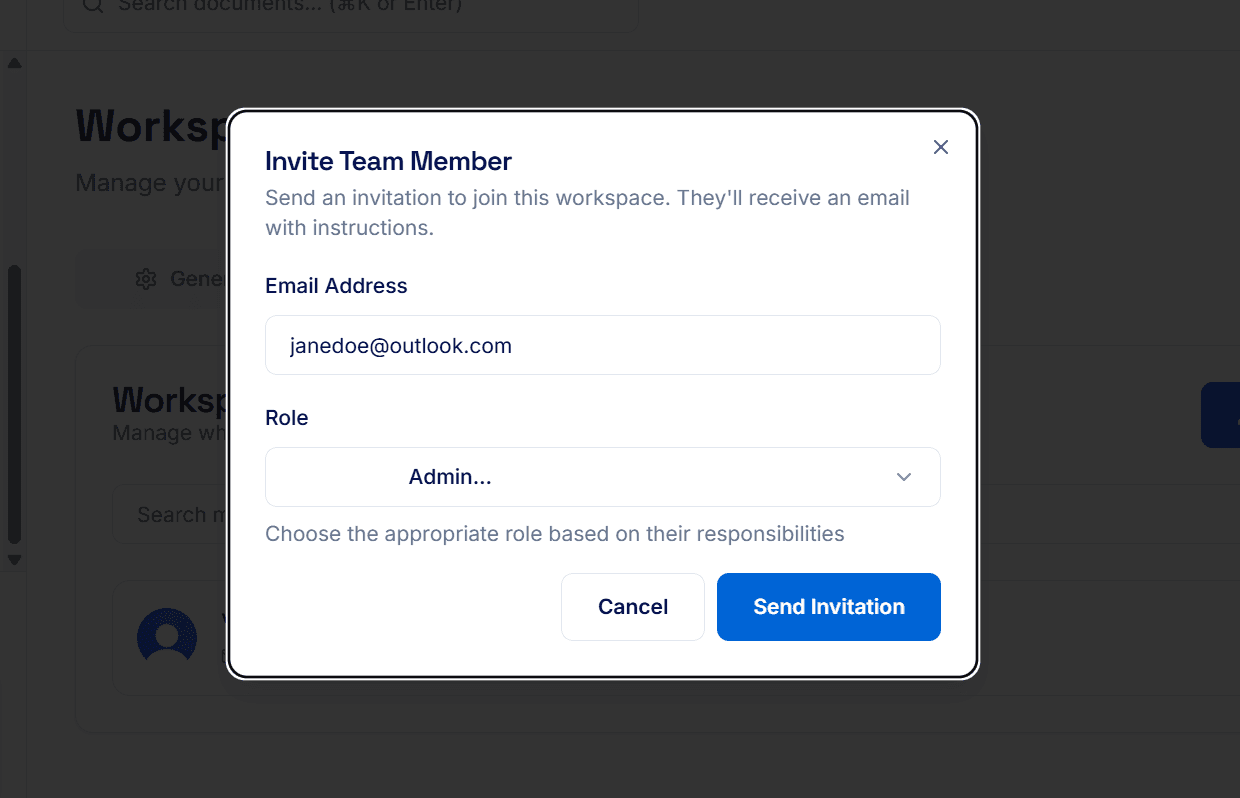
Step 2: Communicate Ownership to the Team
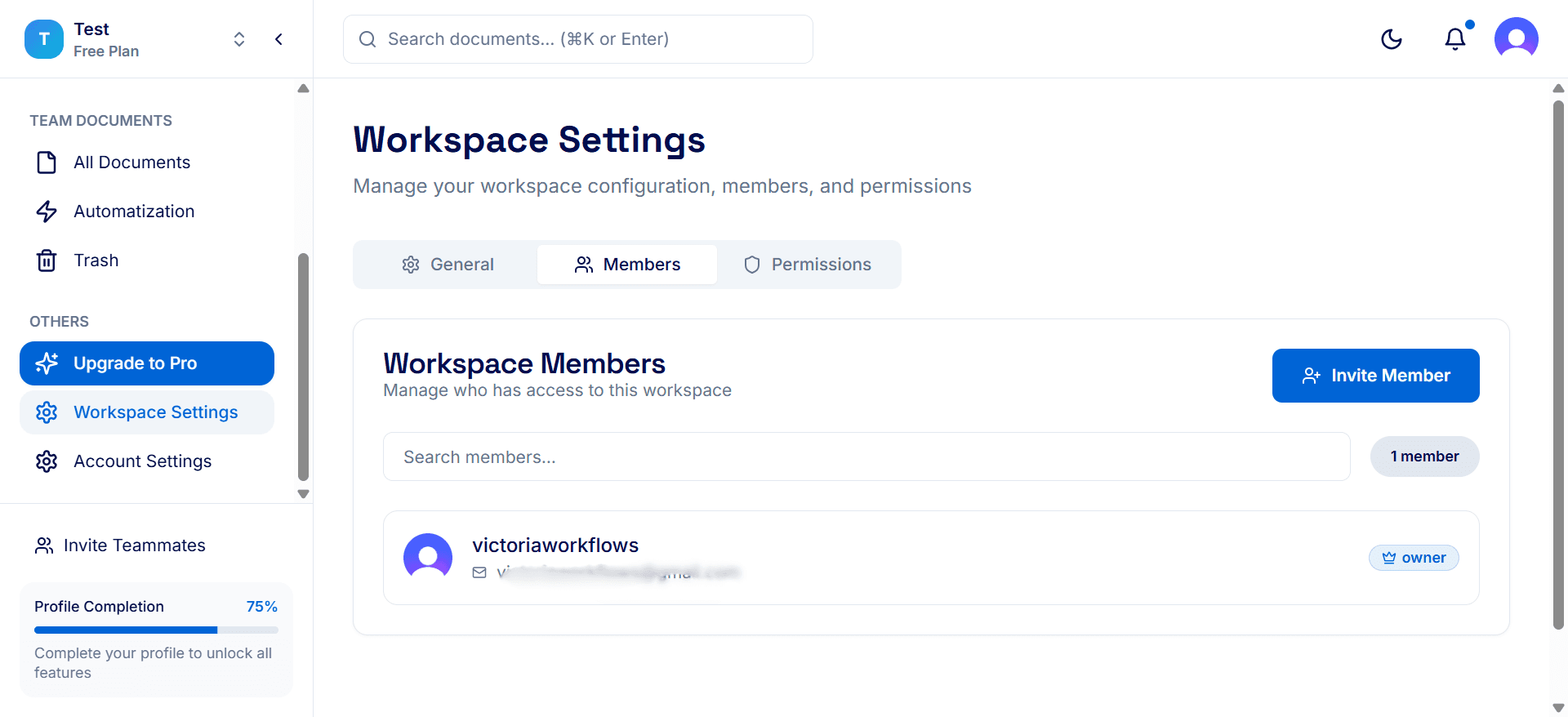
Inform the team who is responsible for each guide or folder.
Team members should know who to contact when changes or issues arise.
Step 3: Reassign Responsibility When Needed
If a team member changes roles or leaves the company, reassign guide responsibility promptly.
Ensure the new responsible person understands the guide and its update schedule.
Tips:
Assign responsibility as soon as a guide is created.
Keep a simple internal list of guides and responsible team members.
Review ownership periodically to ensure it still makes sense.
Encourage guide owners to check documentation after process or tool changes.
