Edit
Maintaining Documentation Consistency
Written By:
Overview
When your step actions, instructions, and screenshots follow the same style, your team can quickly understand workflows without confusion. DocuFast makes it easy to enforce consistency in your guides.
Steps
Step 1: Standardize Titles and Descriptions
Use clear, consistent naming conventions and descriptions for your guides.
Step 2: Use Consistent Step Actions
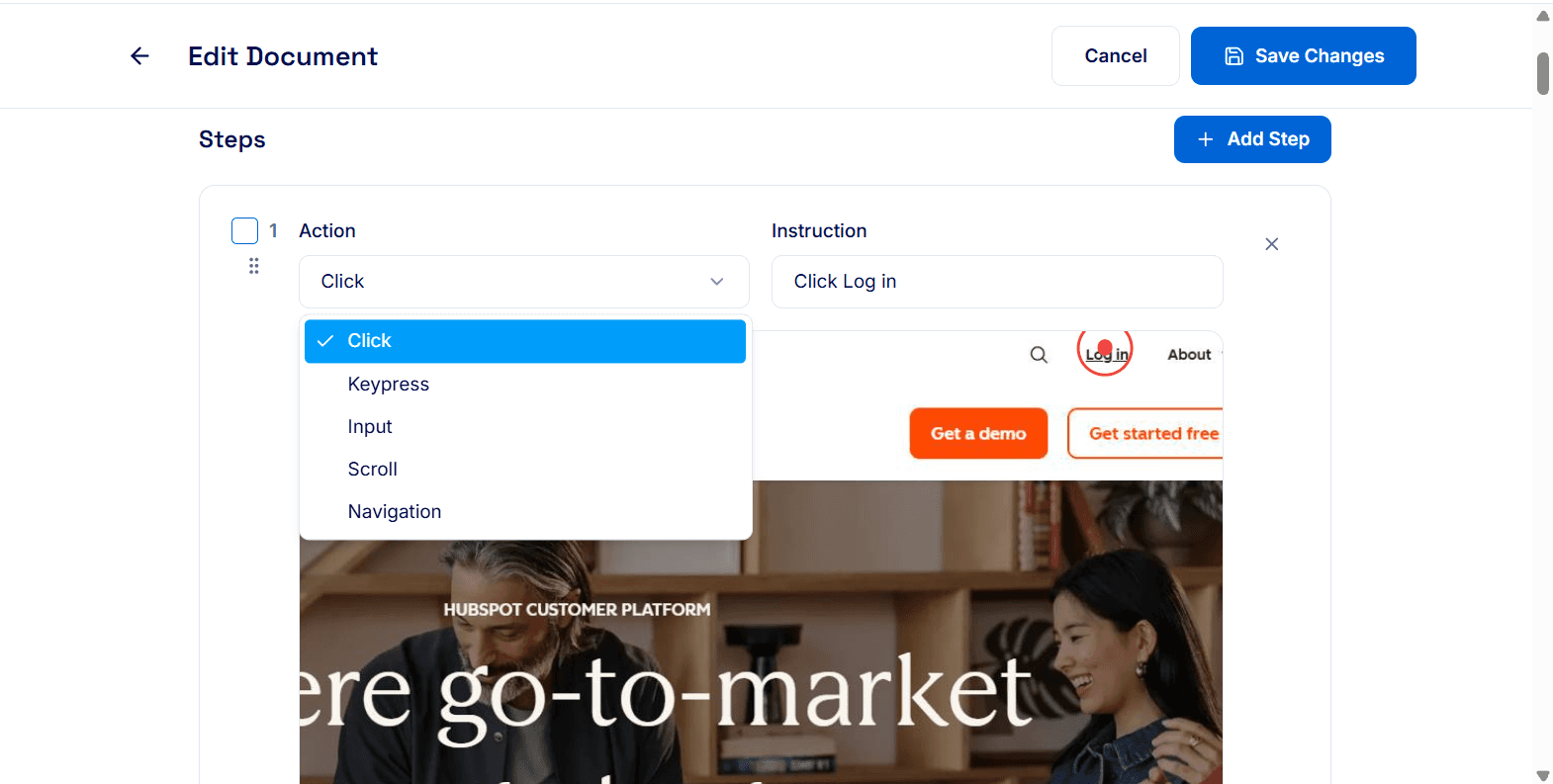
Ensure that each action type — Click, Input, Keypress, Scroll, Navigation — is used consistently and clearly labeled. This helps your team know exactly what to do for every step.
Step 3: Maintain Screenshot Style
Even though DocuFast automatically captures screenshots, check that:
Screenshots are clear and readable.
Highlights or annotations are applied consistently across similar steps.
Images are sized uniformly for a clean look.
Step 4: Apply Consistent Formatting
Keep instructions short, actionable, and in the same tone.
Step 5: Review Before Saving
Before finalizing your guide:
Ensure all terminology and formatting match your style guide.
Confirm screenshots and annotations are consistent.

Tips for Best Results
Create a team style guide for step naming, tone, and formatting.
Review multiple guides side by side to catch inconsistencies.
Encourage team members to follow the same workflow naming conventions and media standards.
Keep step instructions action-oriented and uniform in voice across all guides.
