Edit
How to Keep Documents Up to Date
Written By:
Overview
As software updates roll out, teams adopt new tools, or processes improve, your workflows can quickly become outdated. When guides don’t match reality, teams lose trust in documentation.
DocuFast makes it easy to update existing guides instead of starting from scratch, so your documentation stays accurate, reliable, and aligned with how work is actually done.
Why Documentation Changes Over Time
Documentation may need updates when:
Software interfaces change (new layouts, renamed buttons, new features).
Teams switch tools or platforms (e.g., moving from one CRM or system to another).
Processes are optimized or simplified to save time or reduce errors.
Compliance or policy requirements change, requiring updated steps or safeguards.
Feedback from users reveals unclear or missing instructions.
To Keep Documents Up to Date:
1: Identify What Has Changed
Determine which part of the workflow no longer matches the current process; this could be a tool, a step, or an entire process.
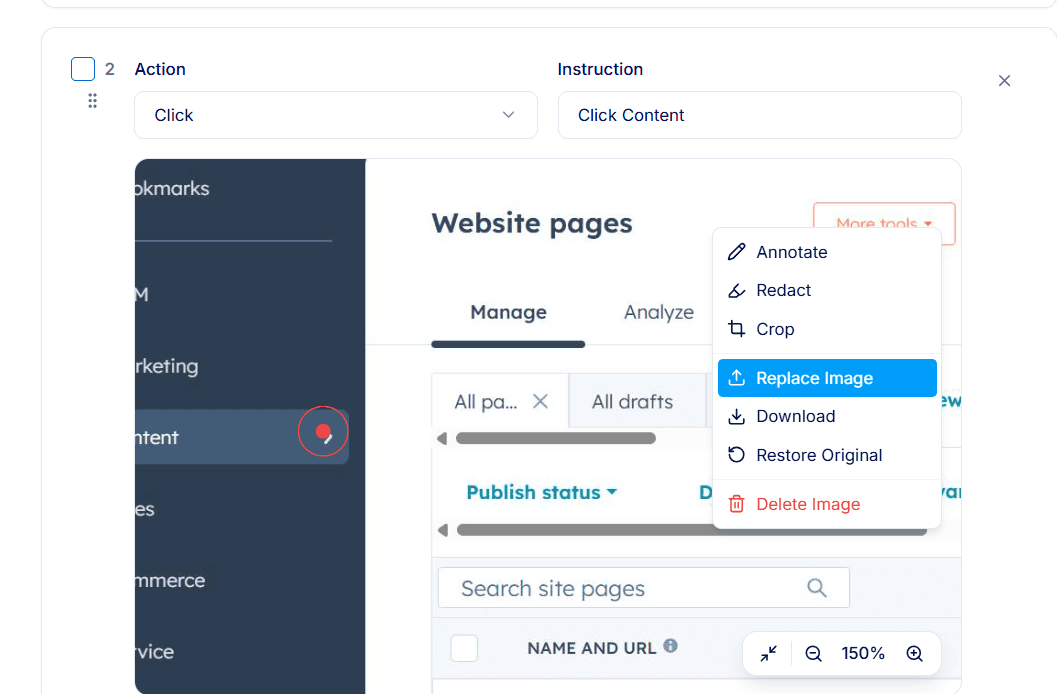
2: Update Steps and Screenshots
Edit affected steps to reflect the new process. Replace outdated screenshots, update step actions, and revise instructions as needed.
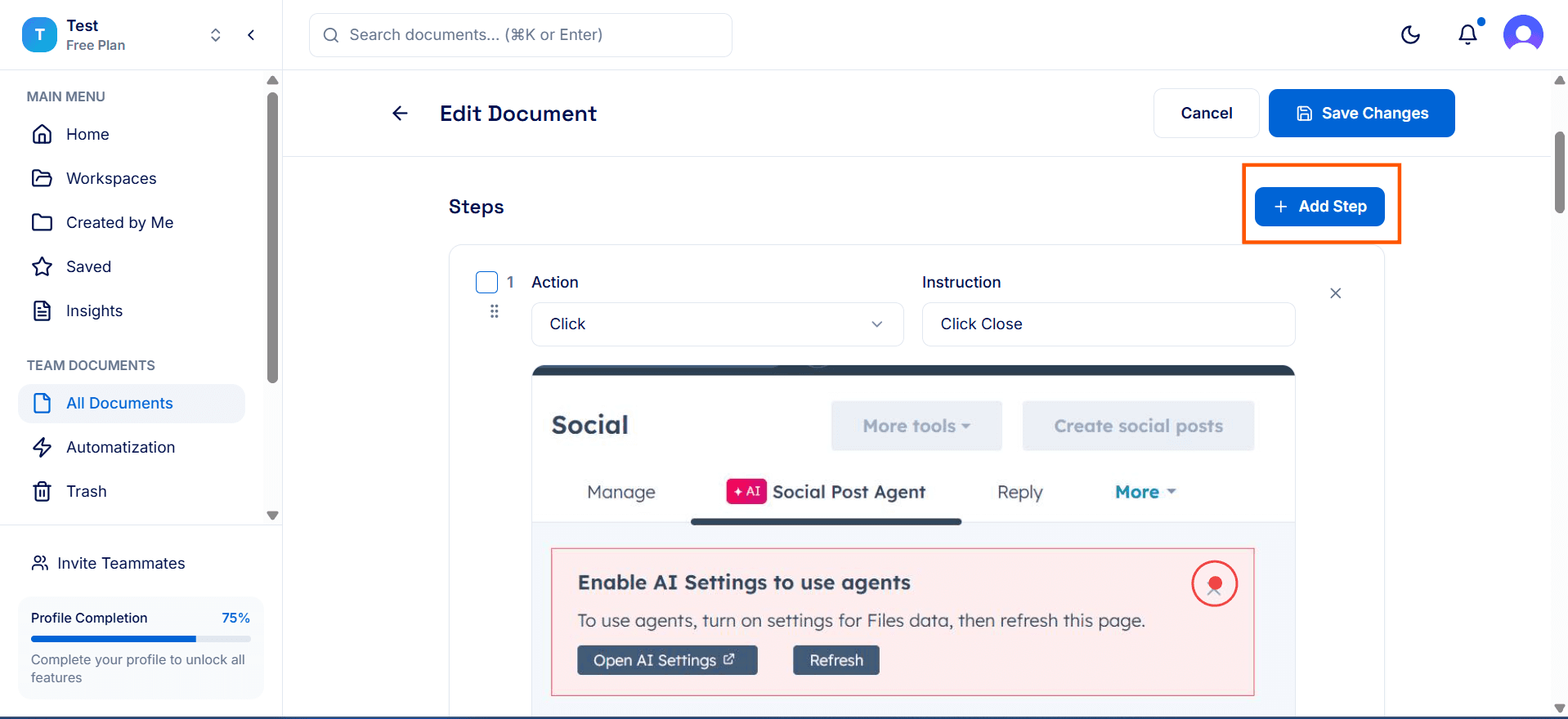
3. Add New Steps
Use the Add Step button to insert new steps introduced by the updated workflow.
Review and Save
Review the guide end to end to ensure it flows correctly and reflects the current process. Confirm all changes are saved.
Start from Scratch
In situations where the workflow has significantly changed, such as switching to a new CRM, adopting a completely new software tool, or overhauling a process, minor edits won’t capture these changes effectively. Instead of editing the old guide, create a new guide from scratch using DocuFast Capture.
Only start from scratch when the changes are too extensive for simple edits; otherwise, updating the existing guide is faster and keeps continuity.
5. Re-share or Notify Users
Once updated, share the revised guide or notify your team so they know they’re using the latest version.
Tips for Best Results
Schedule regular documentation reviews (quarterly, twice a year, or yearly).
Update guides immediately after software changes, not weeks later.
Use user feedback to identify outdated or unclear steps.
Avoid creating new guides for small changes—edit existing ones instead.
