Automation
How to Run an Automated Workflow
Written By:
Overview
Automated workflows save time and reduce errors by performing repetitive tasks for you. DocuFast provides an easy way to run these workflows , either by opening the workflow guide or using the Automations tab in the extension.
Steps
Option 1: From the Automatization Dashboard
Open the automated guide you want to run.
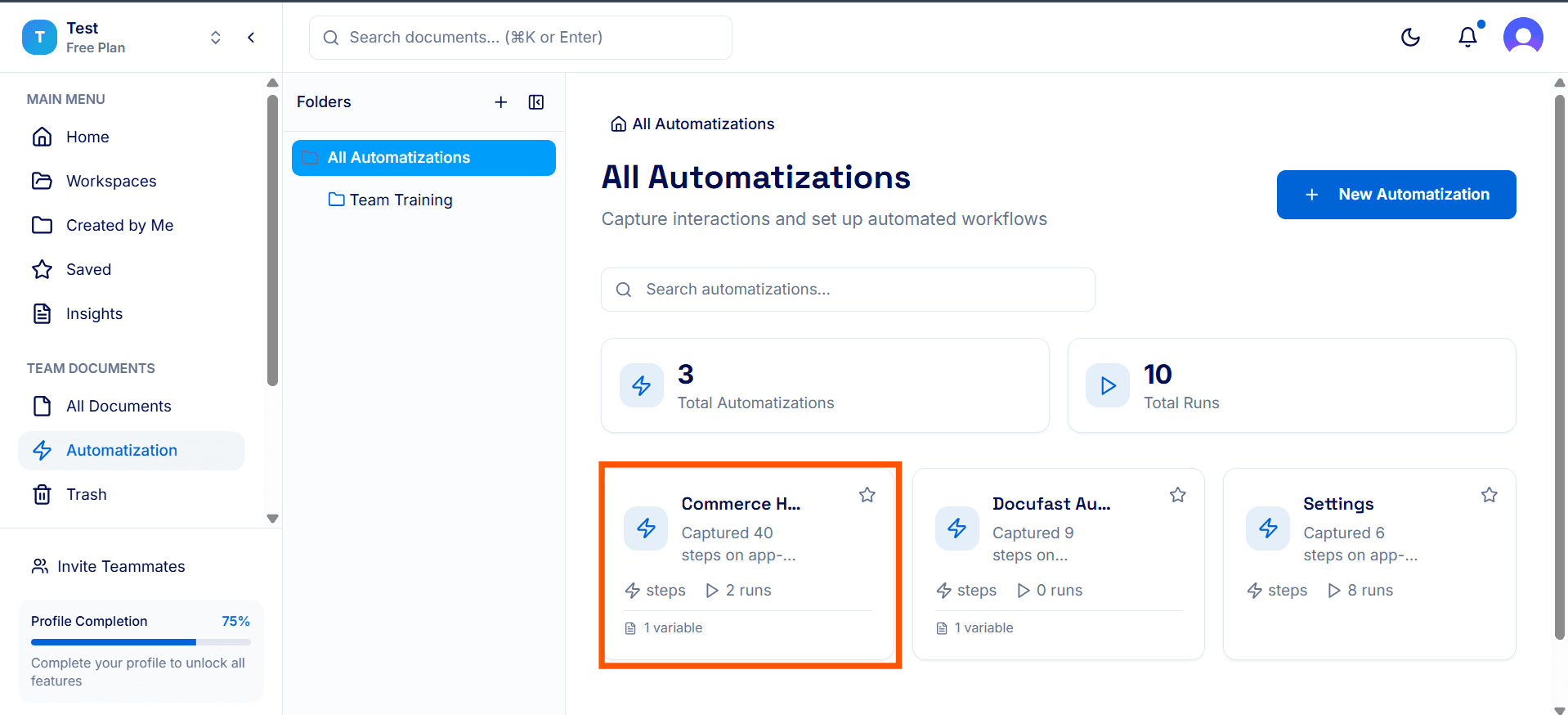
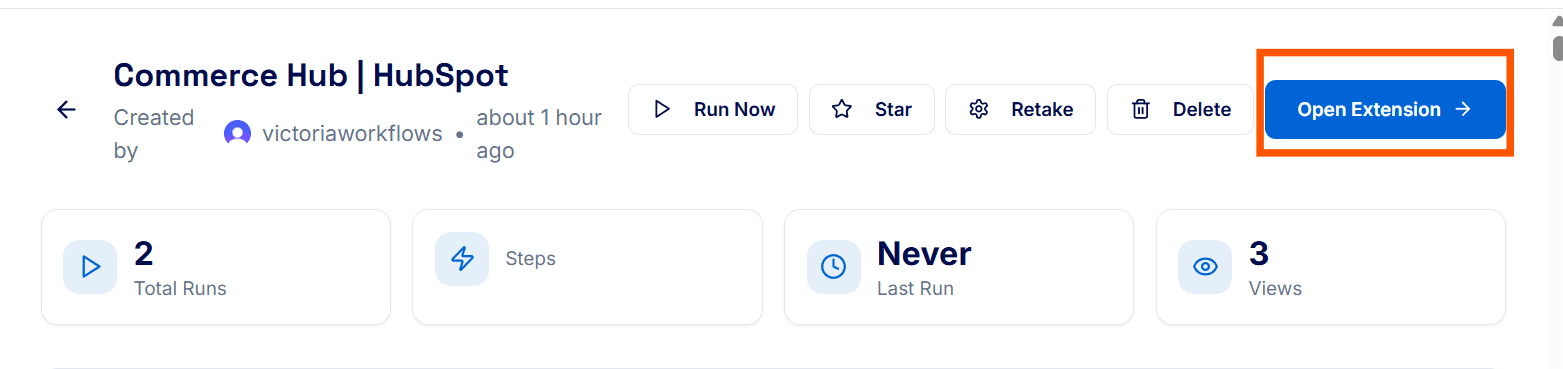
Click Open Extension. A message will be sent to the extension.
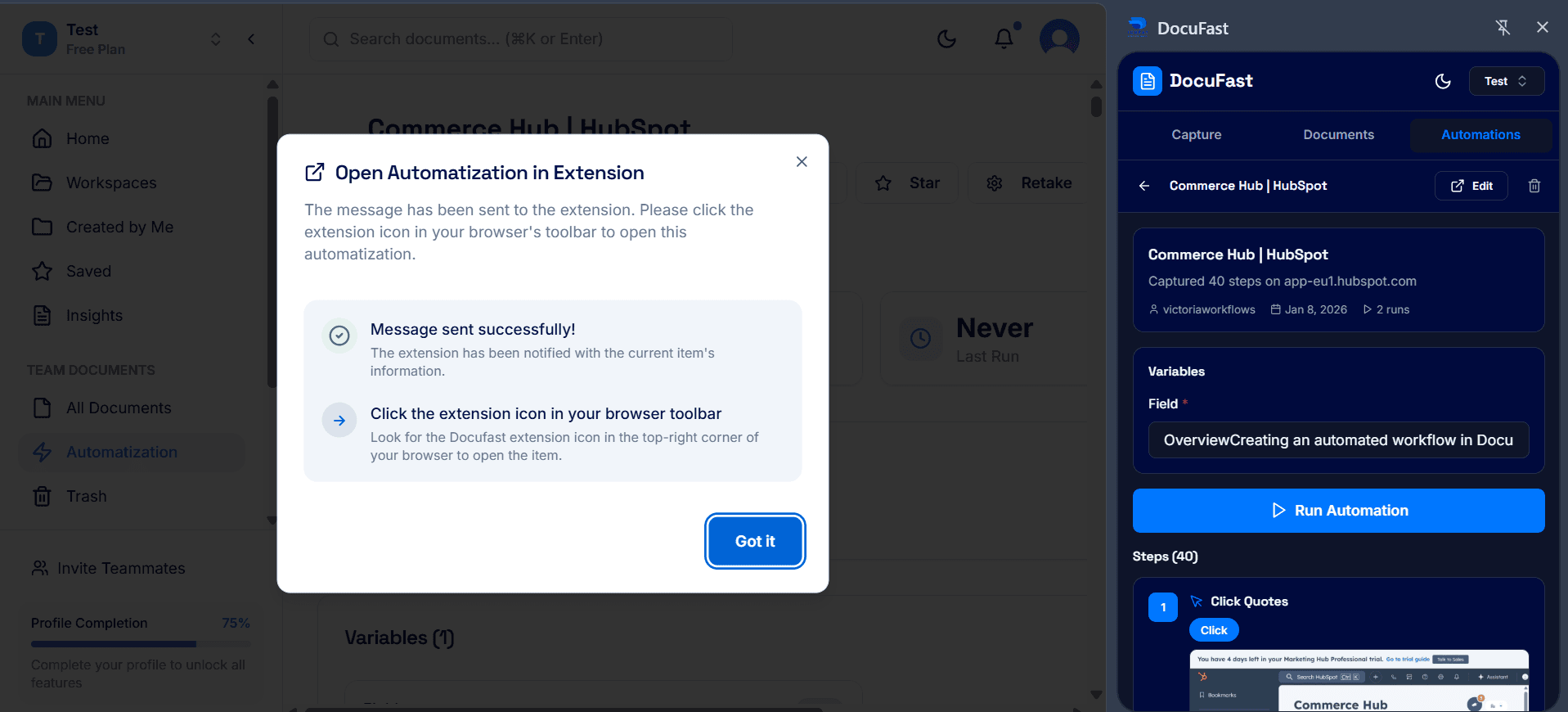
Click the DocuFast extension icon in your browser toolbar to open the automated workflow.

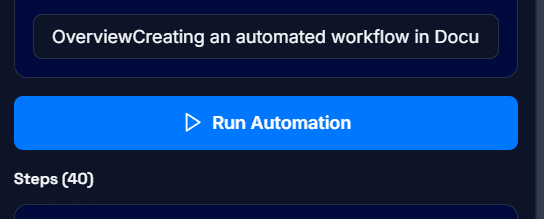
In the side panel, click Run Automation. Your automation will start running immediately.
Option 2: From the Automations Tab
Open the DocuFast extension.
Click the Automations button.
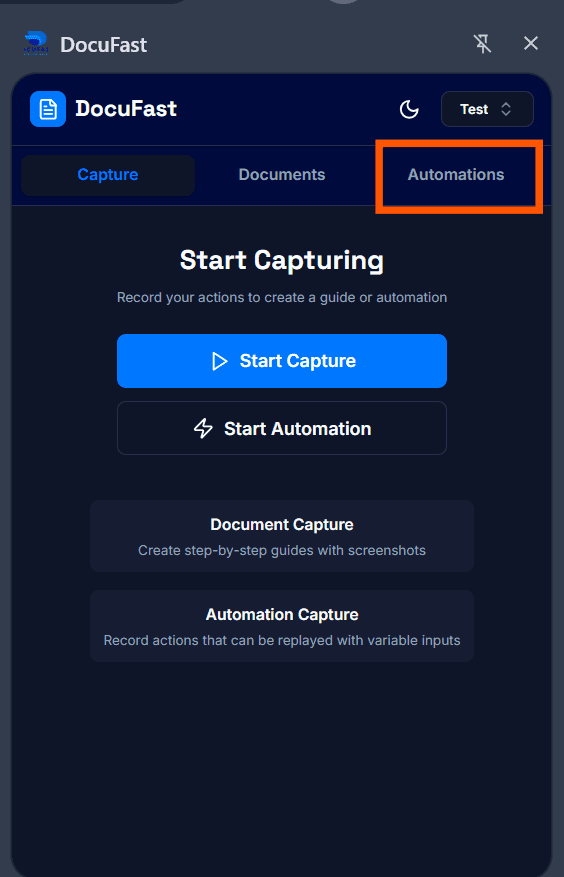
Find the guide you want to run and select it.
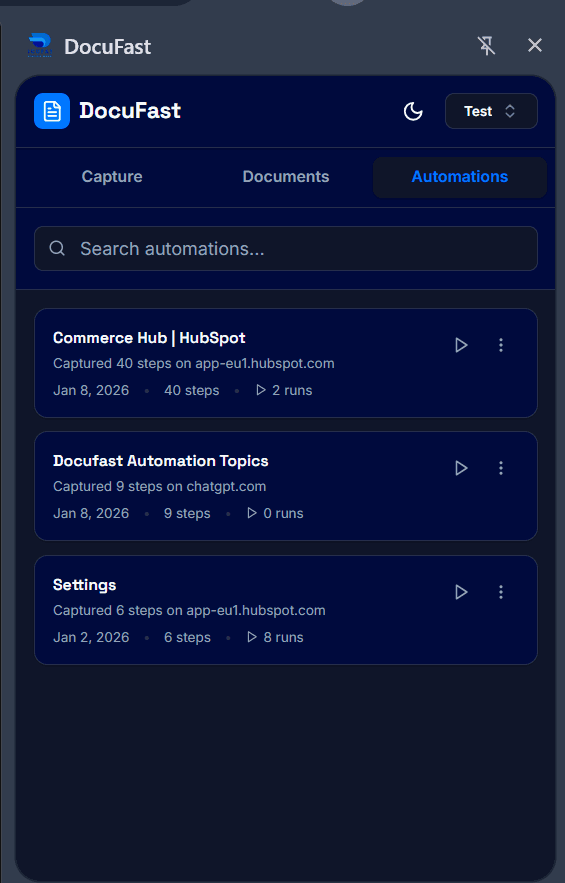
Click the Run Automation icon. The workflow will begin automatically.