Share
Client-Safe Sharing Guidelines
Written By:
Overview
Sharing documents with clients requires a higher level of care than internal sharing. Client-facing documentation must be carefully curated to prevent accidental exposure of internal processes, sensitive data, or confidential company information.
DocuFast provides tools to control access, redact sensitive info, and format content appropriately, ensuring your client receives only what they need while safeguarding company information.
Understand the Difference: Internal vs Client-Facing Docs
Before sharing, determine whether the document was created for:
Internal use (team workflows, rough notes, operational context)
External use (clients, partners, vendors)
Internal documents often include background steps, internal terminology, or exploratory actions that are not relevant—or appropriate—for clients.
Client-safe sharing focuses on outcomes and instructions, not internal processes.
The guidelines below help ensure that anything you share externally using DocuFast looks professional, accurate, and appropriate for client use.
Review Content Before Sharing
Always review the document before sharing with a client.
Check for:
Internal notes or commentary
Test steps or trial-and-error actions
Incomplete or unfinished processes
If a step does not help the client understand what to do or what to expect, consider removing or simplifying it.

Remove Internal or Sensitive Information
Client-safe documents should not include:
Team-specific processes
Any information not meant for external audiences
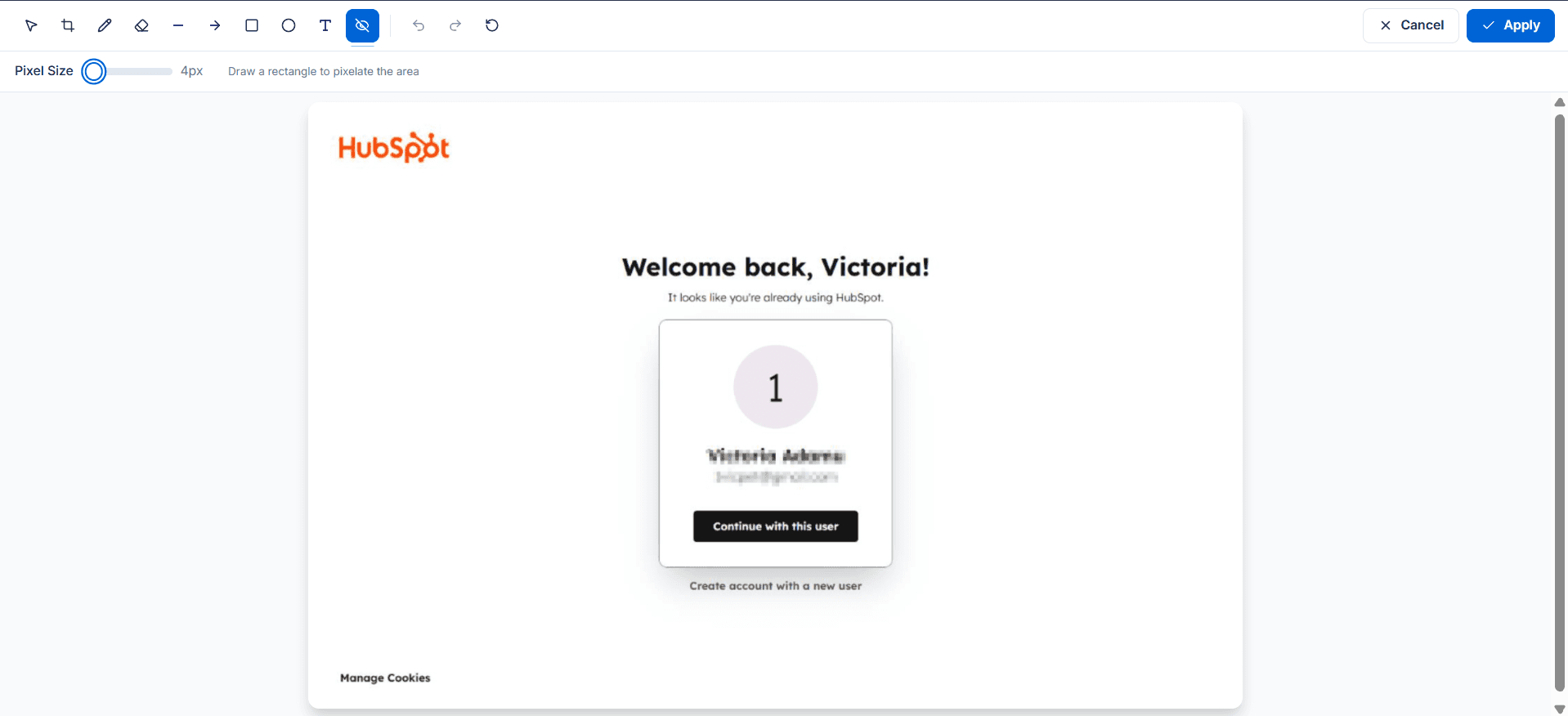
If sensitive information appears in a captured workflow, redact it before sharing.
Use Clear, Client-Friendly Language
Clients may not share the same technical background as your internal team. Always assume the client is seeing the process for the first time.
Best practices:
Use simple, direct instructions
Avoid internal abbreviations or shorthand
Share Using the Right Access Level
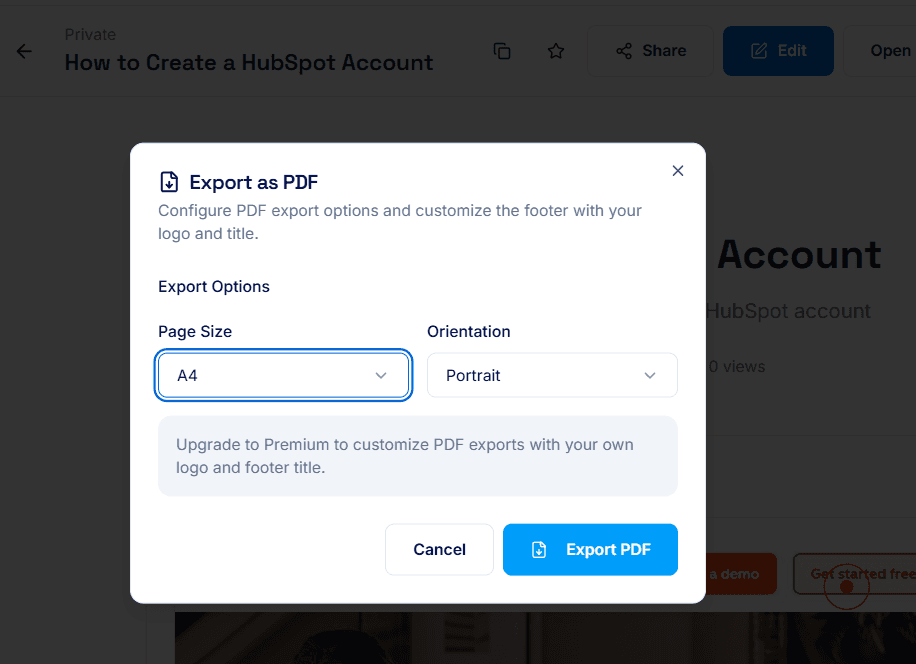
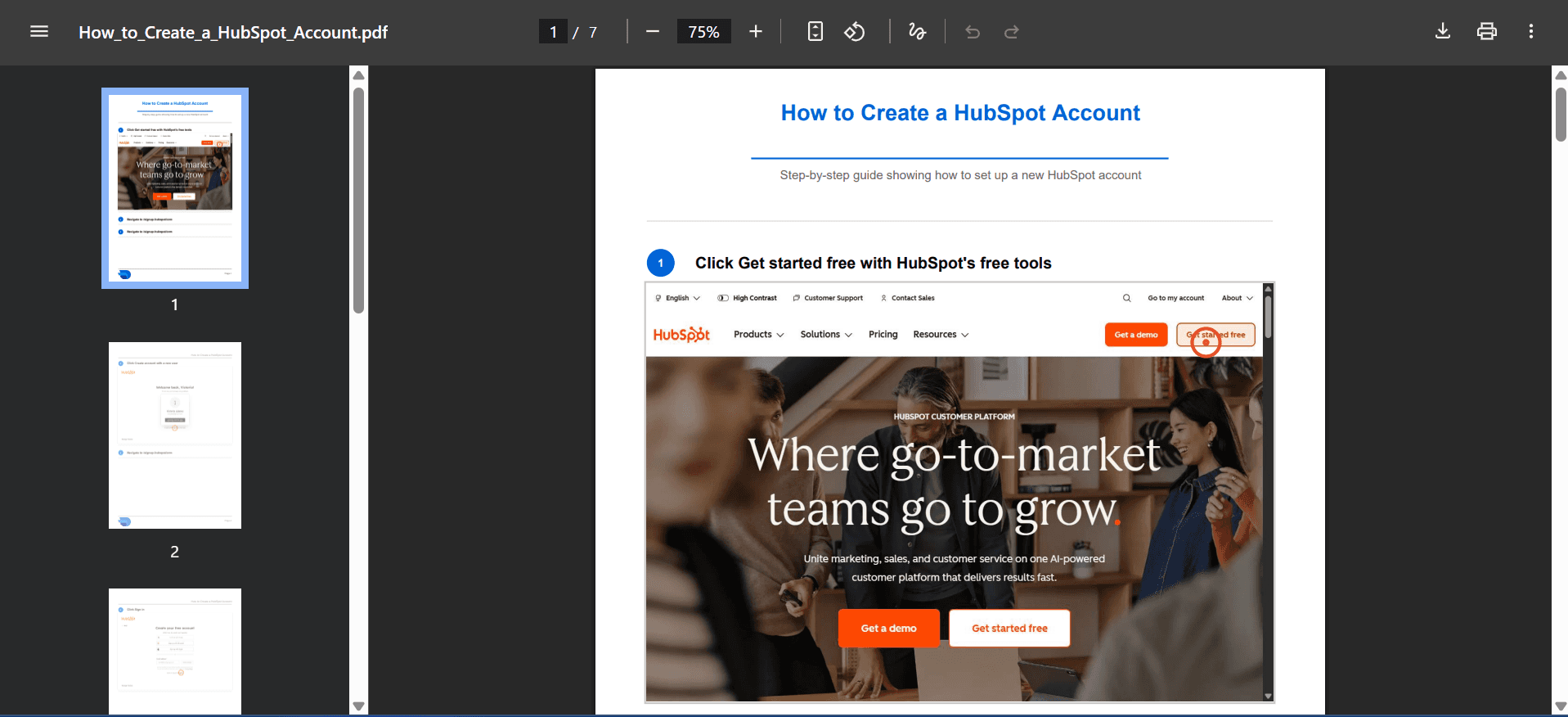
For client sharing, set the document to Public access so clients can view it. Make sure the document is not set to Private access, as private links are not live and cannot be accessed by external users. Alternatively, export the guide as a PDF and share it directly.
Test the Client Experience
Before sending the link:
Open the document as if you were an external viewer
Confirm it opens correctly
Verify that instructions are complete and understandable
This final check ensures the document behaves exactly as your client will experience it.
Set Expectations When Sharing
When sending a document to a client, briefly explain:
What the document is for
How they should use it
Whether updates may occur later
