Share
Access & Permission Control
Written By:
Overview
Whether you’re sharing internally, collaborating with a team, or publishing a document publicly, permissions help you maintain control.
DocuFast uses two layers of access control:
Shared link access
Workspace user roles
Understanding how these work helps you share confidently and avoid accidental exposure of information.
Access & Permission Control
Shared Link Access
Shared links determine who can open a document outside of workspace roles.
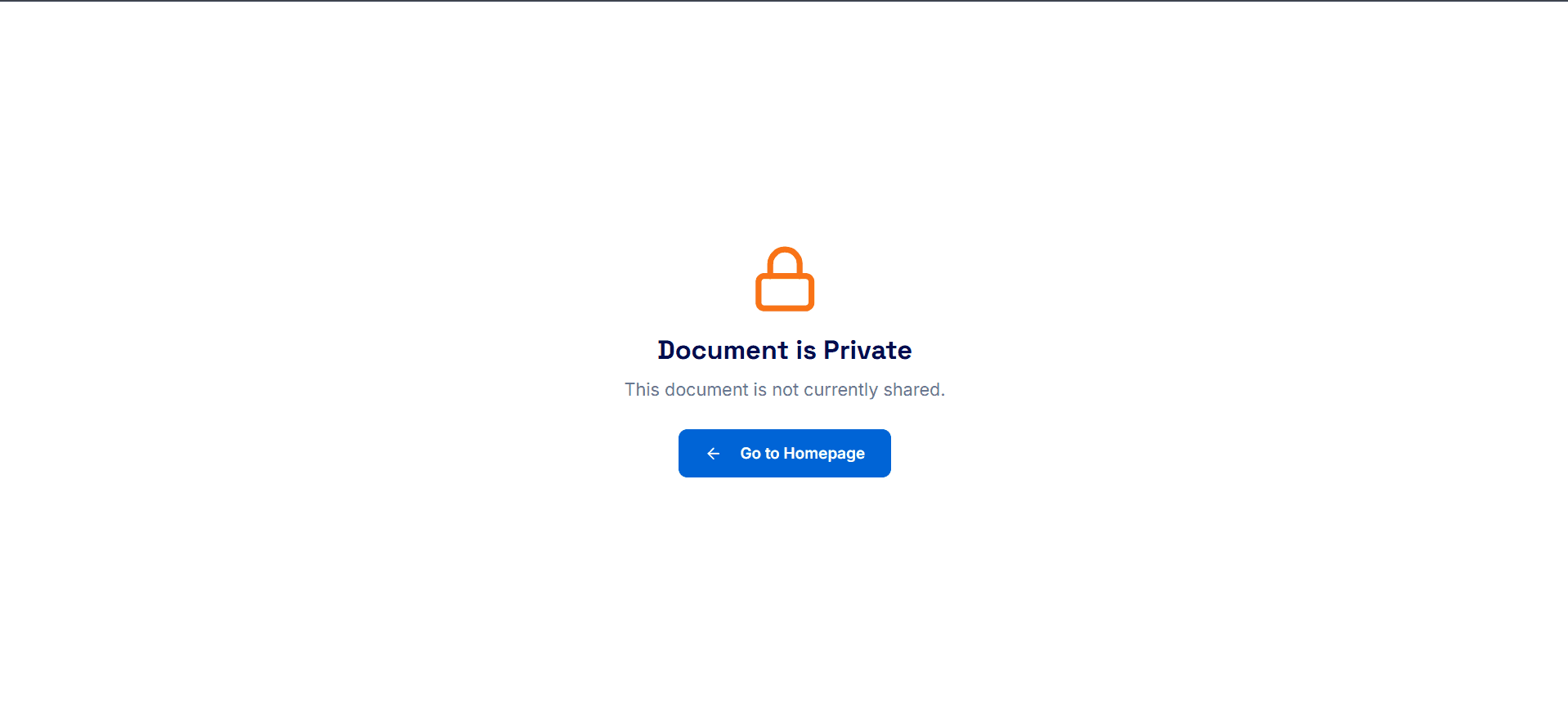
Private Access
When a document is set to Private access, the sharing link is not live. Only the document owner can view the guide.
Important to know:
This is the safest option while editing or refining a document
Public Access
Anyone with the link can view a document with public access. No DocuFast account is required.
Important to know:
Public access is view-only
Viewers cannot edit or modify the document
Anyone you send the link to can forward it

Workspace User Permissions
Workspace permissions apply only to users added to your DocuFast workspace. These roles define what each user can do.
Admins and Editors
Users with Admin or Editor access can:
Create new documents
Edit existing documents
Viewers
Users with Viewer access can:
View documents shared within the workspace
However, they cannot create new or modify existing guides.
