Capture
DocuFast Capture Use Cases
Written By:
Overview
Capture fits seamlessly into how teams actually work. Whether you’re onboarding new hires, documenting internal processes, supporting customers, or standardizing operations, it turns real actions into clear, reusable guides. Instead of writing instructions from scratch, you simply do the work once, and DocuFast creates the documentation for you.
Below are common and practical ways teams use Capture to save time, reduce errors, and improve consistency.
1. Process Documentation
Create step-by-step process documentation in minutes.
Capture tasks as you perform them
Refine steps, add screenshots or instructions
Share with teams and keep everything up to date effortlessly
Result: Standardized processes that anyone can follow, reducing errors and improving efficiency.
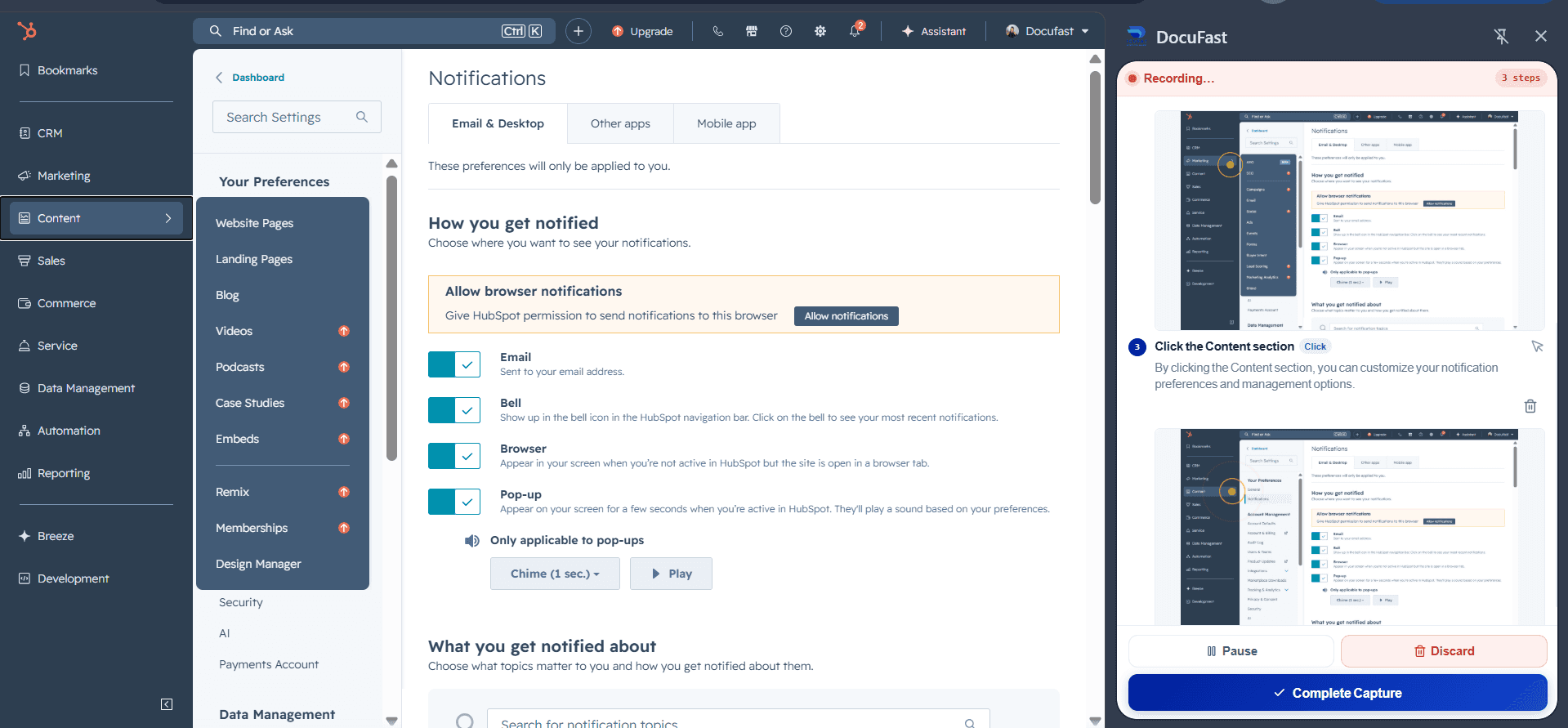
2. Employee Onboarding
Turn complex processes into step-by-step guides your new hires can follow instantly.
Record tool logins, account setups, and daily workflows
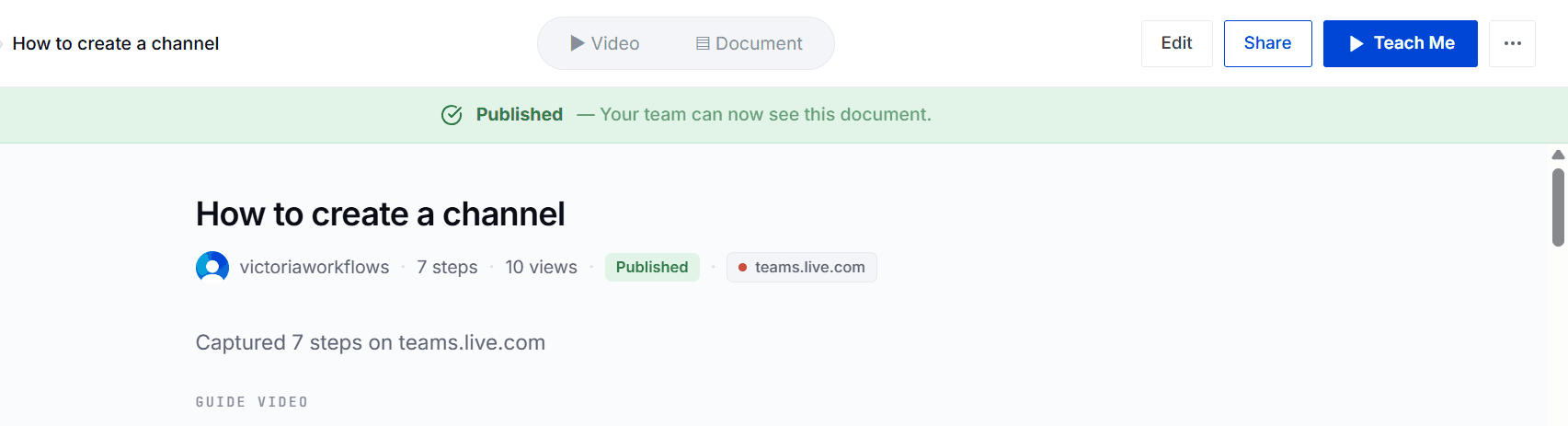
Use Teach Me mode for guided, interactive learning
Avoid training bottlenecks and knowledge gaps
Result: Faster onboarding, more confident employees, and reduced supervision.
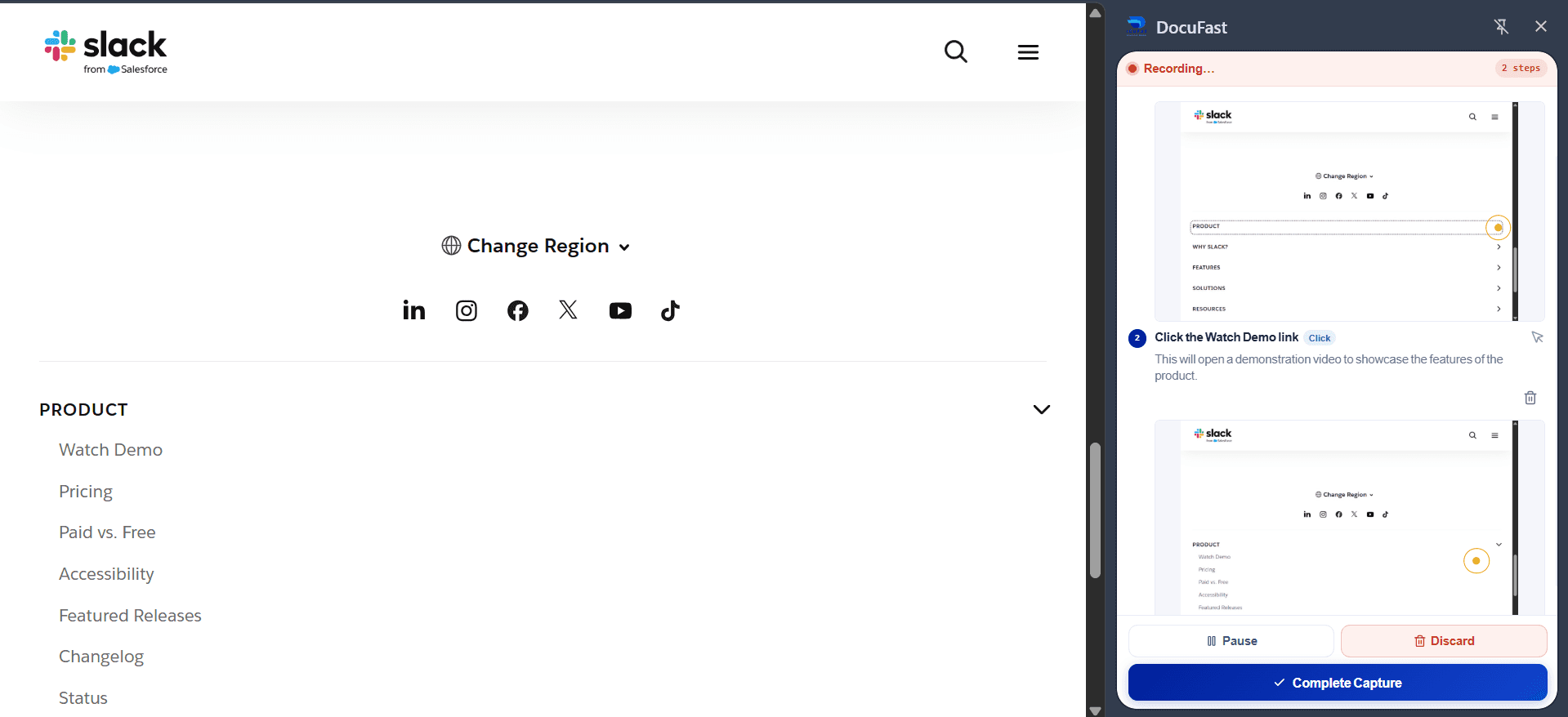
3. Software Implementation
Guide teams through every click of a new tool.
Capture workflows while explaining each step
Turn them into reusable guides for training or reference
Automate repetitive tasks to ensure smooth adoption from day one
Result: Teams adopt new software faster, with fewer mistakes and higher productivity.
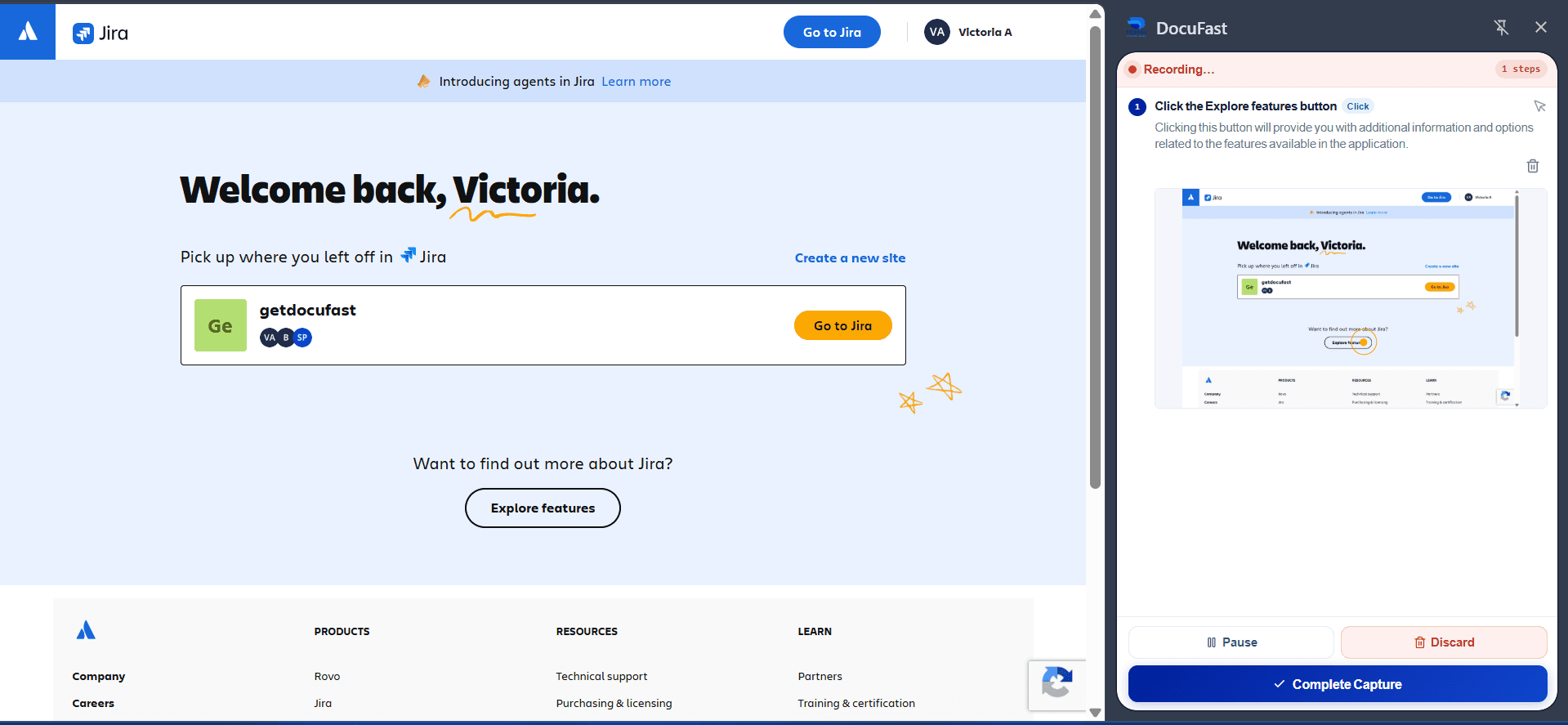
4. Customer Support
Turn every support request into a clear step-by-step guide.
Capture how to resolve issues or complete common tasks
Share instantly with customers via links or PDFs
Result: Faster issue resolution, improved customer experience, and less repetitive support work.
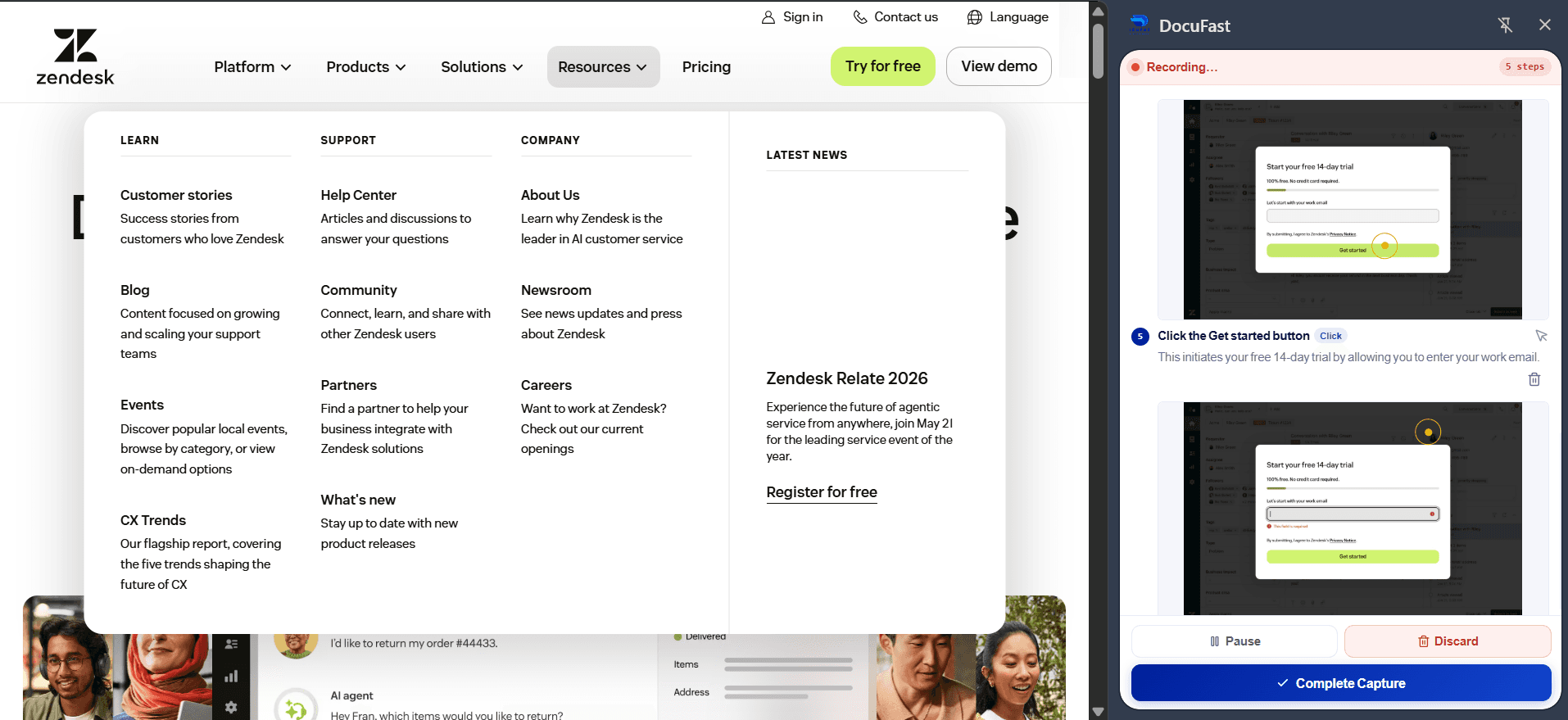
5. Team Training
Turn everyday workflows into interactive guides.
Record regular tasks, best practices, and recurring processes
Provide guided, hands-on learning with Teach Me mode, so team members follow steps exactly as they should
Enable self-paced learning, letting teammates revisit workflows anytime, reducing the need for constant manager oversight.
Result: Teams stay productive from day one and maintain consistent performance.
Other Use Cases
These examples highlight the versatility of DocuFast Capture, but they’re not exhaustive. Any repeatable process (no matter the team, tool, or scenario) can be captured. If it’s a workflow you perform on your screen, DocuFast can turn it into a clear, step-by-step guide, making documentation, training, and knowledge sharing effortless.
