Capture
Best Practices for Clean Workflow Capture
Written By:
Overview
A clean workflow capture makes the difference between a guide that’s helpful and one that’s confusing. DocuFast automatically records actions for you, but how you prepare and perform the workflow greatly affects the quality of the final document.
Before You Start Capturing
Plan the Workflow
Before clicking Start Capture, know exactly what you want to record.
Identify the start and end of the process
Remove unnecessary steps
Focus on one clear goal
Prepare Your Environment
Close unrelated tabs or applications

During Capture
Capture One Workflow at a Time
Avoid combining multiple tasks in one recording. If the process feels too long or complex, split it into smaller workflows.
Work at a Steady Pace
Move naturally, but avoid rushing.
Pause briefly between actions
Allow screens to fully load before proceeding to the next step
Make clicks deliberate and clear
Avoid Unnecessary Actions
Every action is recorded.
Don’t backtrack unless it’s part of the workflow
Avoid clicking without purpose
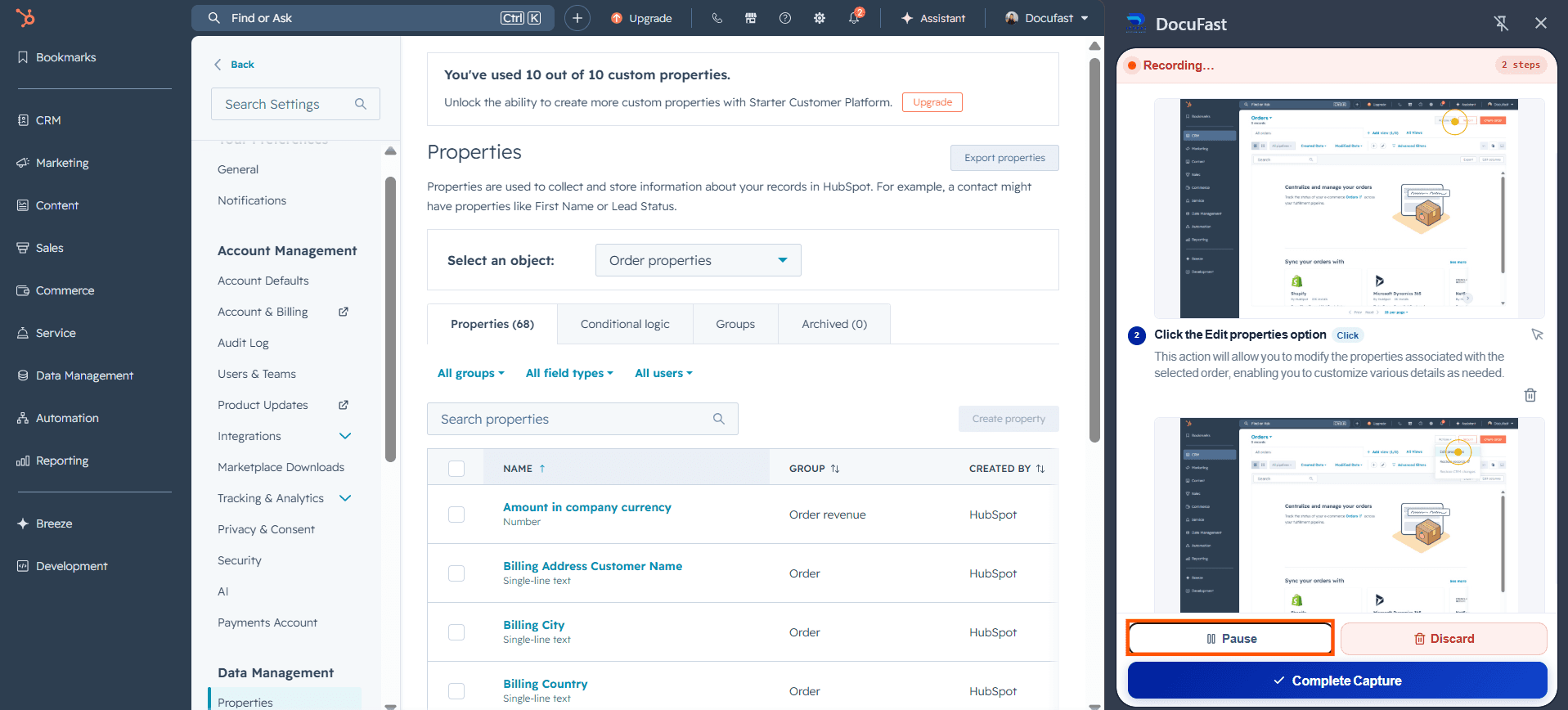
Use Pause When Needed
Pausing lets you stay in control of the recording. Use it whenever you need a moment before continuing, so only intentional steps are captured.
After Capture
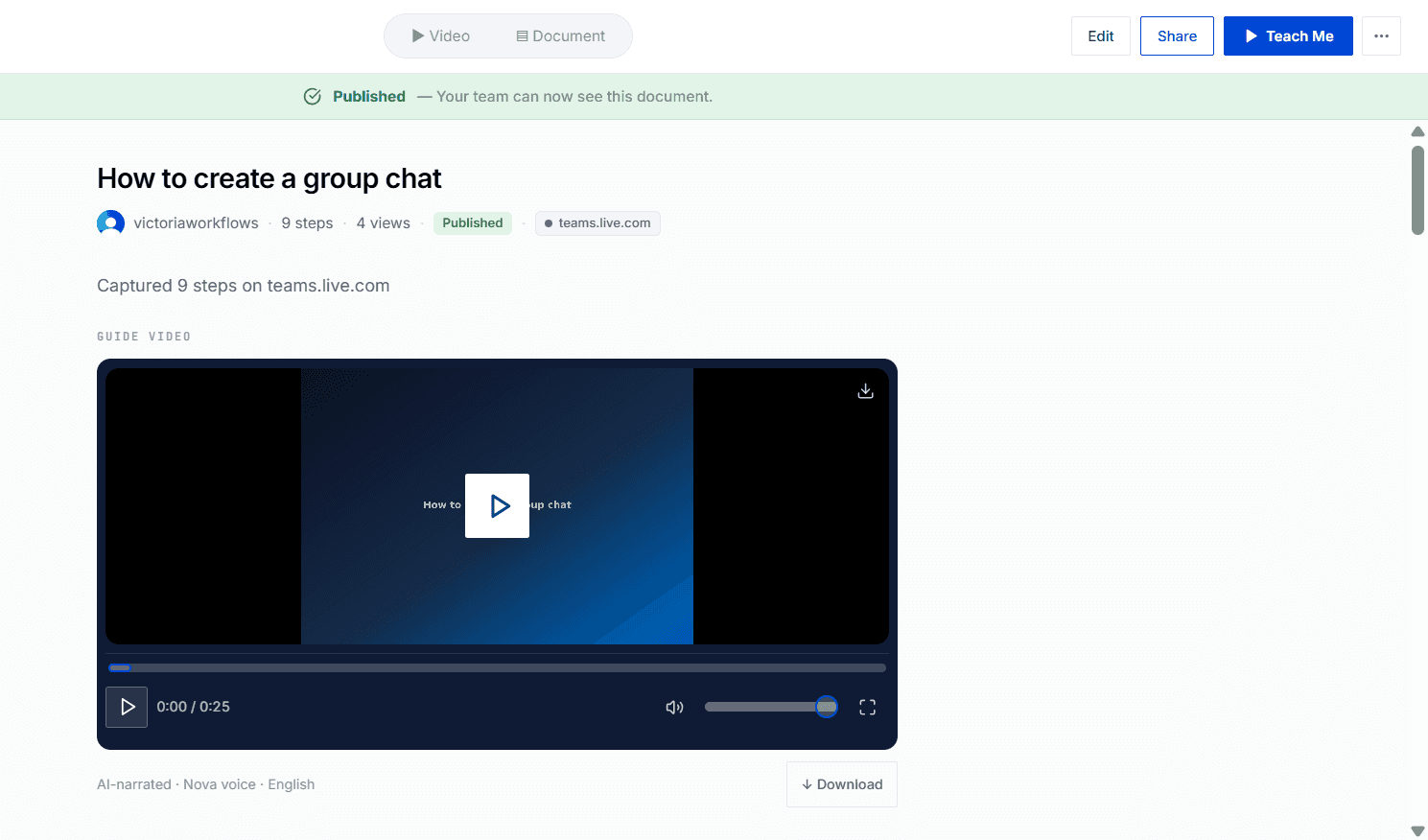
After capturing your workflow, take time to polish the document. Check that each step is accurate, concise, and easy to understand. Update instructions, adjust screenshots, and remove any unnecessary actions. Refining ensures your guide is professional, easy to follow, and ready to share with teammates or customers.
Tips for Best Results
Keep workflows short and focused
Use clear naming for documents
Capture workflows from start to finish without interruptions
Update recordings when tools or processes change
